Lap sync
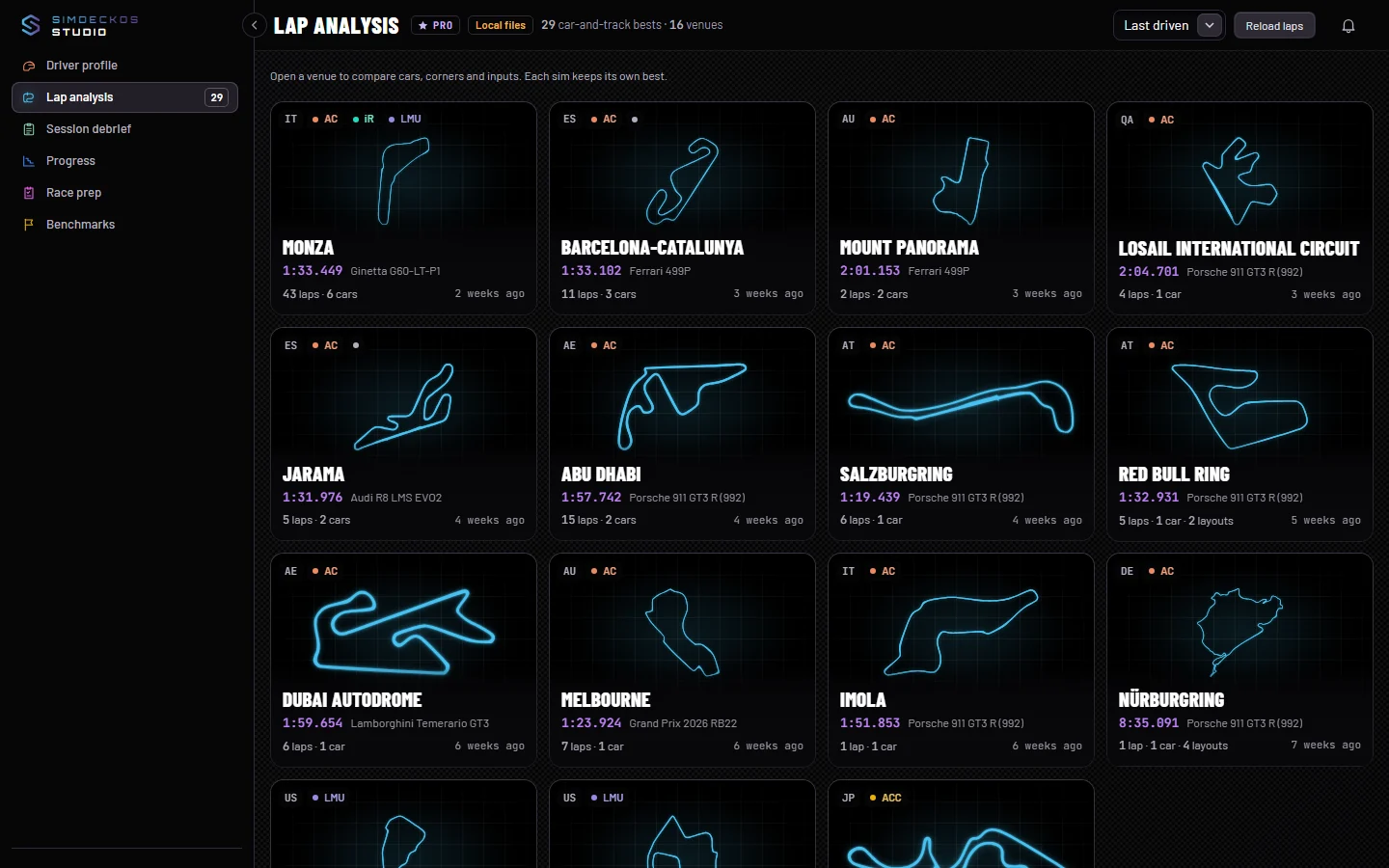
Every room under Analysis reads the laps your rig syncs to your account. This page explains how they get there and what happens to them.
Turn sync on
Your laps live on your rig until sync is on. You switch it on in the SimDeckOS plugin, not in Studio:
- Open SimDeckOS in SimHub, then Settings ▸ General.
- Switch on Sync my laps to my account. It sits beside Record your laps.
- Drive, or just wait a minute. The status line there reads Synced · n records and your venues appear in Studio.
Sign in to Studio with the same account your SimDeckOS plugin uses. Your rig syncs while SimHub is running and the plugin is signed in.
What goes up, and when
Lap sync sends your laps from every sim SimDeckOS records laps in: Assetto Corsa, Assetto Corsa Competizione, Le Mans Ultimate, Assetto Corsa EVO, iRacing, rFactor 2, Automobilista 2 and RaceRoom. iRacing gives no position on the track, so its line on the map is rebuilt from speed and heading, and the map says so.
When you first turn sync on, every record goes up once. After that, new bests follow in the background, never slowing the recorder.
A record carries your best lap. With Record your laps on, it also carries a lap log: every lap’s time, whether it counted, fuel, tyres and the weather. Session debrief and Progress read that log, so laps driven before it existed show less there.
In Lap analysis, the bar shows how fresh your laps are, for example Synced 12 min ago, with the number of records and venues. Reload laps reads your synced laps again.
Your laps are private
Your laps are private to your account: only you can read them, and nothing in Analysis is public. A lap becomes visible to others only when you publish it yourself. See Share a lap.
Turning sync off never deletes them. Removing them is a separate step in the plugin.
Sync and your plan
Syncing and the Analysis rooms are part of Pro. On Club you can look around Analysis first. The rail shows PRO beside Analysis, and each room opens dimmed behind a card that says it is part of Pro, with See Pro and Back to Workspace. Your Workspace stays free.
If your Pro plan lapses, the sync chip reads Not syncing: your rig no longer syncs new laps, and Analysis locks as it does on Club. Nothing is deleted: renewing opens it all again and resumes the sync where it stopped. Plans are on the pricing page.
When nothing shows
- Sign in to see your laps: you are signed out. Sign in with the account your plugin uses. A link from the plugin’s Open full analysis lands on its venue once you are in.
- No laps synced yet: sync is not on, or has not run yet. Follow the steps above.
- A synced record with no best lap (one you forgot in the plugin) has nothing to show, and the page says how many there are.
- If your laps could not be read, the page says so and offers to try again. That is not an empty list.