


Drive clean laps in a row: no cut, no track limits. Ten in a row is gold.
- 10 laps
- 8 laps
- 6 laps
Pick a car, a track and the weather, and drive. Race Control sets up Assetto Corsa, finds servers and races, and keeps what you had in Content Manager as it was.
Not out yet. One email when the Windows installer is ready.
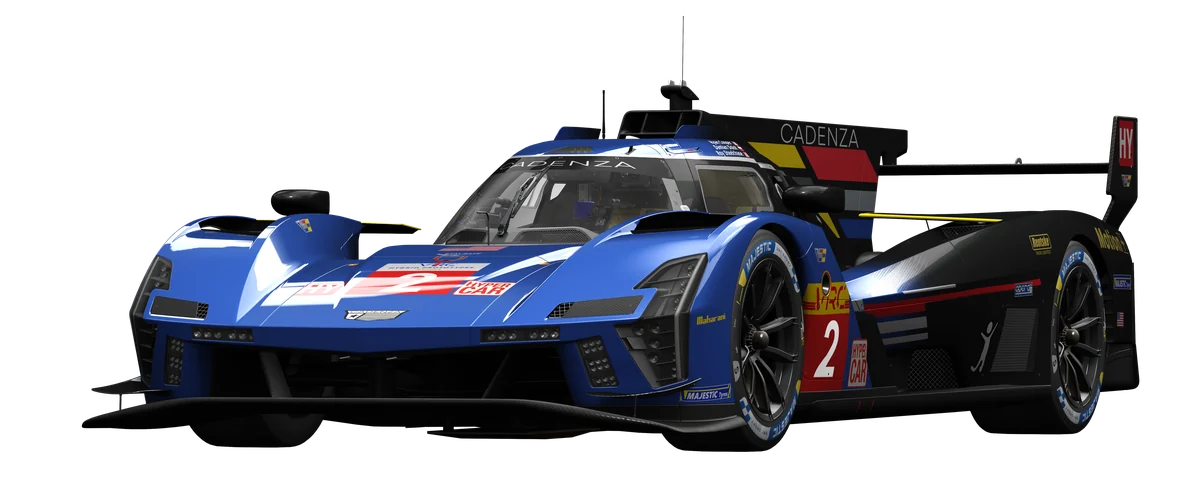

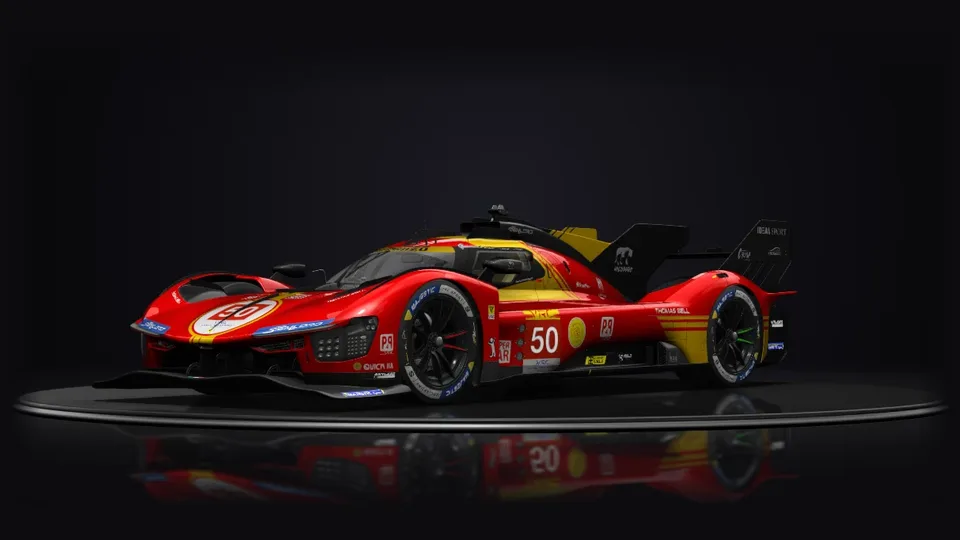
Your cars turn on a stage inside the launcher, with their skins, lights, wheels and the view from the cockpit. Then it saves the picture you want. Cars with protected models can't open in it.
Car, track, conditions, opponents, assists and rules on one page, with the car and the track as big as the game deserves.
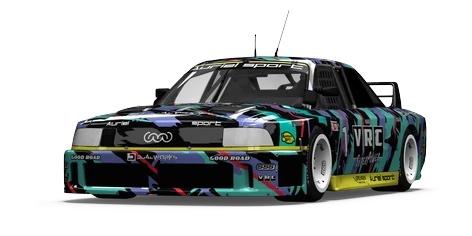
Race Control's own renders from its Showroom, each car in its own livery. In the app every car you own is in this list; these are VRC's, used with their permission (Virtual Racing Cars).
Each track drawn from its own line, the way the Track tile draws it. A track that doesn't run the chosen mode greys out.
You start from the gate: stop in the box, pull the handbrake and go on GO. CSP’s Rally Stage mode times the run; your times stay with Race Control and go to SimDeckOS. Needs custom Shaders Patch with its Rally Stage mode, on a layout that mode can run.
A single-player career with a licence school: exams for four grades, and two seasons for every tier.
A grade is earned with its points and its licence tests, then held. Points (0 to 1000) come from all your driving: experience up to 400, clean laps up to 350, racing up to 250.
Drive clean laps in a row: no cut, no track limits. Ten in a row is gold.
Five clean laps in a row, each as close to the last as you can. Measured by the spread between the slowest and the fastest.
Five laps against five AI drivers. Every lap clean, or no medal.
Four short races in the Abarth 500 against nine of the same. Learn racing in traffic, the finale at Monza scores double.
4 rounds · racesFour short races in the Mazda MX-5 Cup, nine of the same around you. Match my pace keeps the AI at your speed, so it stays close.
4 rounds · racesA long run without a single mistake. Twenty clean laps in a row is gold.
Start last of eight. Six laps to work your way forward, every lap clean.
Eight laps against nine GT3s at 90 %. A podium is silver.
Five race weekends in the BMW M3 E30: practice, qualifying, the race. Eleven AI at 88 %, the finale at Imola scores double.
5 rounds · race weekendsFour race weekends in the Toyota GT86 with qualifying. Clouds build at Brands Hatch and qualifying at the Red Bull Ring turns wet (the changing weather needs Pure).
4 rounds · race weekendsSix clean laps in a row at Spa in the Ferrari GT2, as even as you can make them.
Ten laps against fourteen GT3s at 95 %, every lap clean. Only a win is gold.
Practice, qualifying and a ten-lap race at Vallelunga against eleven SLS GT3s.
Ferrari 458 GT2 against a mixed field of 458s and M3 GT2s. Five weekends, thirteen AI at 92 %, Monza double points.
5 rounds · race weekendsThe Porsche Cayman GT4 against Cayman and Maserati GT4s: five weekends, thirteen AI. Rain is forecast at Brands Hatch and the Nürburgring, Spa decides it at double points.
5 rounds · race weekendsTwenty-five laps of Spa against nineteen GT3s at 100 %. Keep it clean for the Endurance licence test.
Ten laps of Imola against fourteen GT3s at 98 %. Win it.
Eight clean laps in a row at Monza in the Tatuus formula car, within a quarter of a second for gold.
The top tier: the BMW Z4 GT3 against SLS and MP4-12C GT3s, seventeen AI at 97 %. Six weekends, Mugello decides it at double points.
6 rounds · race weekendsLonger races in the Lamborghini Huracán GT3 against six GT3 makes, nineteen AI. The Nordschleife, Spa in changing weather, and a wet finale at Silverstone for double points.
5 rounds · race weekendsThe top grade: no exams, held by driving at it.
Every server shows what it needs before you click: missing cars and tracks, the CSP version, free slots and your ping.
Spa · DE · 203.0.113.24:8081 · ping 31 ms
Sessions
Cars
Silverstone · GB · 198.51.100.61:8082 · ping 58 ms
Sessions
Cars
Needs CSP 0.2.8
Missing content · 1 item: Formula North America 2018 (Install)
Monza · IT · 203.0.113.88:8081 · ping 84 ms
Sessions
Cars
Needs CSP 0.2.11Update CSP
Missing content · 1 item: TA2 Chevrette (Open download page)
Nürburgring · NL · 198.51.100.17:8083 · ping 47 ms
Sessions
Cars
Missing content · 2 items: Nürburgring (Install), Auriel 4 (No link from the server)
Red Bull Ring · AT · 203.0.113.140:8081 · ping 22 ms
Sessions
Cars
Missing content · 1 item: Red Bull Ring (Install)
The JOIN button reads the checks top to bottom and shows the first that applies under its label; a CSP that is too old is not a block (the button says Join anyway). Example servers, made up for this page; checked against an example install with CSP 0.2.8 and 4 of these cars.
Start from the first installed track and car, then edit everything.
Entry list from a car list, schedule and rules in three steps, with an invite for Discord.
The editor: 10 sections, saved as you change them
New league race: 4 steps
Saved as you change it. A running server picks up changes on its next start. Engines: Kunos acServer or AssettoServer, run on this PC.
Every car and track you own, with drawn track maps and your own lists.
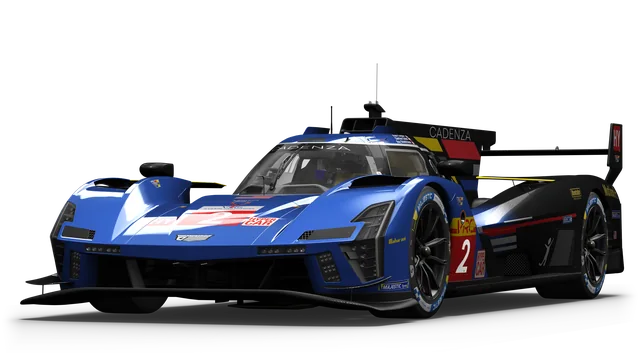
Skins · 7
Cadenza Racing · Ryan Cooper - Damian Dolot - Roy Steelchase
LMDh · 2024 · USA · by VRC
2,000 rpm9,000 rpm
Drive this carShowroomFavouriteSkin optionsCar picturesEdit details
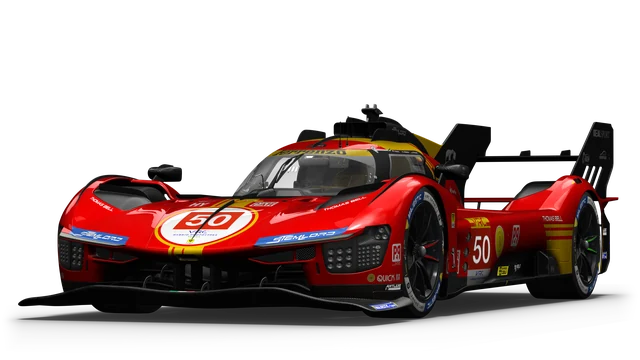
Skins · 6
Ferrenzo P49 #50 ·
LMDh · 2024 · Italy · by VRC
2,000 rpm7,900 rpm
Drive this carShowroomFavouriteSkin optionsCar picturesEdit details
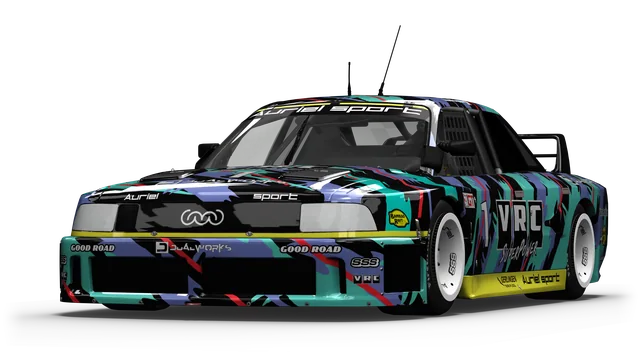
Skins · 16
VRC Superpower · Alexandru Georgescu
race · 1989 · Germany · by VRC
3,000 rpm8,000 rpm
Drive this carShowroomFavouriteSkin optionsCar picturesEdit details
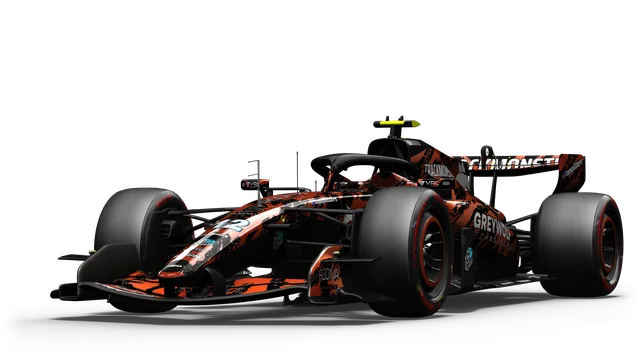
Skins · 23
Formula Legends Team · Lukas Möllmann
race · 2026 · by VRC
3,000 rpm13,500 rpm
Drive this carShowroomFavouriteSkin optionsCar picturesEdit details
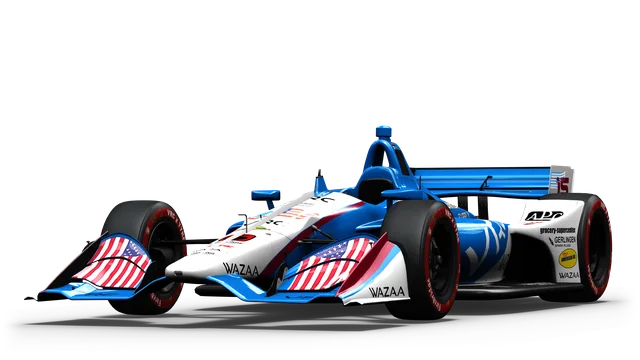
Skins · 16
Schneider Ontario Motorsports · Samuel Pigue
race · 2018 · USA · by VRC
4,200 rpm12,000 rpm
Drive this carShowroomFavouriteSkin optionsCar picturesEdit details
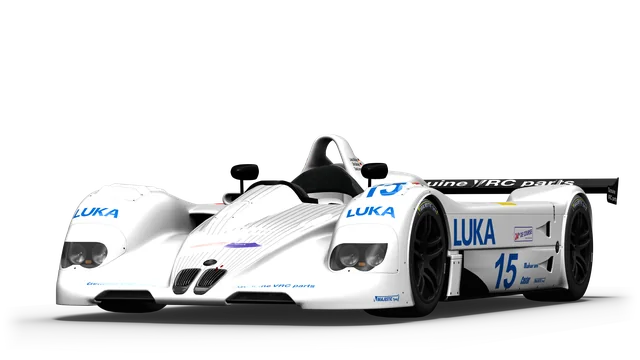
Skins · 10
VRC Motorsport · Lukas Möllmann - Dirk Bültmann - Daniel Jimenez
race · 1999 · Germany · by VRC
2,000 rpm8,000 rpm
Drive this carShowroomFavouriteSkin optionsCar picturesEdit details
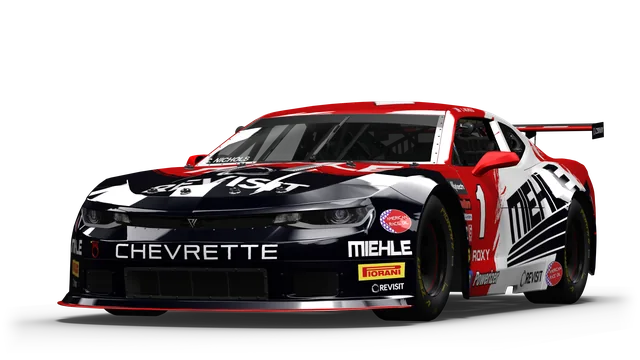
Skins · 17
Miehle Racing Team · Charles Nichols
race · 2021 · USA · by VRC
1,400 rpm7,000 rpm
Drive this carShowroomFavouriteSkin optionsCar picturesEdit details
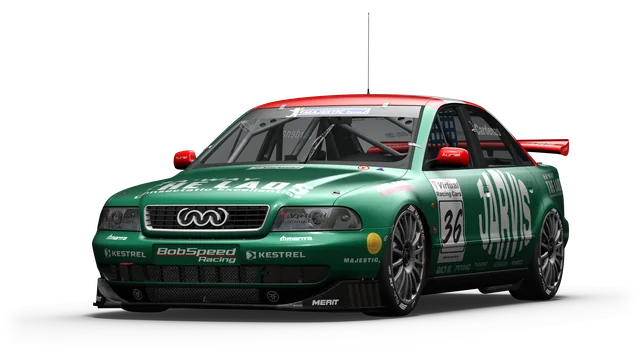
Skins · 8
Bobspeed Racing · Adrian Cardenas
race · 1998 · Germany · by VRC
3,000 rpm8,500 rpm
Drive this carShowroomFavouriteSkin optionsCar picturesEdit details
Monza (MI) · Italy
The SimDeckOS catalogue has no corners for this layout yet.
PracticeTrack dayRaceWeekendHotlapDriftTime attackStreet cruise
Track showroomDrag to turn · scroll to zoom · click a corner to fly to it · Fly the lap
Francorchamps · Belgium
1 La Source2 Eau Rouge3 Raidillon4 Kemmel Straight5 Les Combes6 Bruxelles7 Pouhon8 Fagnes9 Campus10 Courbe Paul Frere11 Blanchimont12 Chicane
PracticeTrack dayRaceWeekendHotlapDriftTime attackStreet cruise
Track showroomDrag to turn · scroll to zoom · click a corner to fly to it · Fly the lap
Imola · Italy
The SimDeckOS catalogue has no corners for this layout yet.
PracticeTrack dayRaceWeekendHotlapDriftTime attackStreet cruise
Track showroomDrag to turn · scroll to zoom · click a corner to fly to it · Fly the lap
Silverstone · Great Britain
1 International Pits Straight2 International Pits Straight3 Abbey4 Farm Curve5 Village Corner6 The Loop7 Aintree Corner8 Wellington Straight9 Brooklands Corner10 Luffield Corner11 Woodcote Corner12 National Pits Straight13 Copse Corner14 Maggotts Corner15 Becketts Corner16 Chapel Corner17 Hangar Straight18 Stowe Corner19 Vale20 Club Corner
PracticeTrack dayRaceWeekendHotlapDriftTime attackStreet cruise
Track showroomDrag to turn · scroll to zoom · click a corner to fly to it · Fly the lap
Montmelo' · Spain
The SimDeckOS catalogue has no corners for this layout yet.
PracticeTrack dayRaceWeekendHotlapDriftTime attackStreet cruise
Track showroomDrag to turn · scroll to zoom · click a corner to fly to it · Fly the lap
Fawkham · Great Britain
1 Brabham Straight2 Brabham Straight3 Paddock Hill Bend4 Hailwoods Hill5 Druids Bend6 Graham Hill Bend7 Cooper Straight8 Surtees9 Pilgrims Drop10 Hawthorn Hill11 Hawthorn Bend12 Westfield Bend13 Dingle Dell14 Sheene Curve15 Stirlings Bend16 Clearways17 Clark Curve
PracticeTrack dayRaceWeekendHotlapDriftTime attackStreet cruise
Track showroomDrag to turn · scroll to zoom · click a corner to fly to it · Fly the lap
Spielberg · Austria
The SimDeckOS catalogue has no corners for this layout yet.
PracticeTrack dayRaceWeekendHotlapDriftTime attackStreet cruise
Track showroomDrag to turn · scroll to zoom · click a corner to fly to it · Fly the lap
Nurburg · Germany
1 Yokohama S2 Mercedes Arena3 Michael Schumacher S4 Bilstein Kurve5 Advan Bogen6 Veedol Chicane
PracticeTrack dayRaceWeekendHotlapDriftTime attackStreet cruise
Track showroomDrag to turn · scroll to zoom · click a corner to fly to it · Fly the lap
Race Control's own renders, curves and track lines. Every car and track you own is in these lists in the app; these cars are VRC's, used with their permission, and the tracks are Assetto Corsa's own.
Updates from the authors who publish them, a cleanup that knows what you haven't driven, and what every car, track and app takes on disk.
Assetto Corsa · drive D: 412.5 GB free of 931.5 GB Example
Largest
| Name | Type | Last driven | Size |
|---|---|---|---|
| NürburgringKunos | Track | 3 days ago | 4.1 GB |
| Formula Alpha 2026 | Car | yesterday | 1.2 GB |
| Cadenza V | Car | 2 weeks ago | 940 MB |
sizes include every file a mod installed, wherever it went. Part of Assetto Corsa. Steam puts it back if it is removed, so it cannot be removed here.
Updates · 3 waiting
From Content Manager’s update list (acstuff.club). Only mods whose authors publish there are checked.
Zip, 7z or rar archives, several at once
A direct download, or a Google Drive / Dropbox / OneDrive share link
Archives (zip, 7z, rar) or folders: cars, tracks, liveries, apps, CSP configs. You see what’s inside before anything is copied.
Or drop archives or folders anywhere on the window.Nothing is copied until you’ve seen what’s inside.
For each thing inside the archive
Apps and CSP configs have no Keep both (they exist once in Assetto Corsa).
What it can read
CarsTracksLiveriesTrack skinsAppsCSP configsWeatherPP filtersShowroomsFontsOther files
Compiled shaders and baked data. CSP rebuilds it on the next start; clear it if graphics look wrong after an update.
ClearAssetto Corsa and CSP start new logs every time; Race Control reads them to explain a failed start.
ClearEarlier versions kept when an install or update replaced something (the last 3 per item, for 30 days). Only needed to go back to an older version.
ClearMoves it to Content Manager’s disabled folder. Tracks are archived (put aside) rather than switched off.
Worth a look, picked by hand. Each link opens the mod’s own page.
Custom Shaders Patch adds better lighting, rain and graphics, free.
Race Control installs it itself: Welcome › The best look for your game (Recommended) or Settings › Custom Shaders Patch › Install Custom Shaders Patch.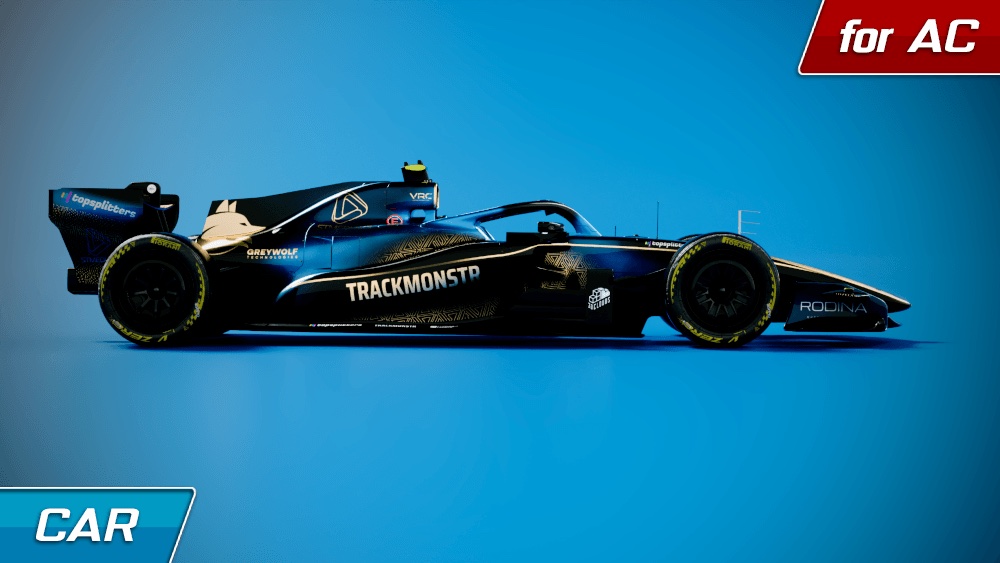 Formula Alpha 2026Car · Virtual Racing CarsOpen its page
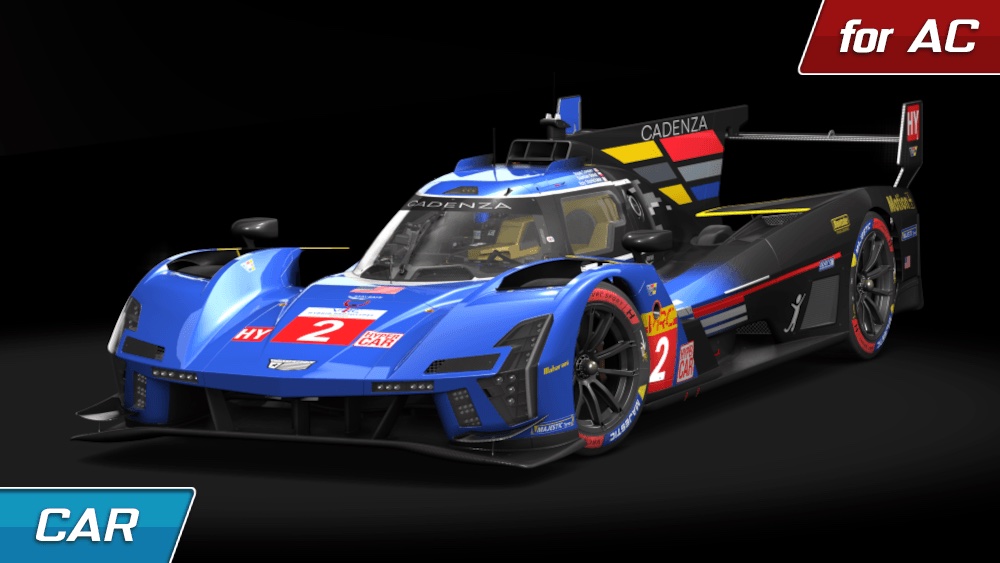 Prototype H - Cadenza VCar · Virtual Racing CarsOpen its page
Video, controls, gameplay and every CSP module, written as sentences instead of ini keys, with the files each one changes.
Single screen, triple screens or VR headset.
cfg/video.ini (Documents\Assetto Corsa) [CAMERA] MODE=TRIPLE
Smooths jagged edges.
cfg/video.ini (Documents\Assetto Corsa) [VIDEO] AASAMPLES=8
Syncs frames to the display refresh. Removes tearing, adds a little input lag.
cfg/video.ini (Documents\Assetto Corsa) [VIDEO] VSYNC=0
Video ▸ Triple screens
Assetto Corsa runs in a window across your 3 screens; Race Control places it when the game starts.
Example numbers: three 2560 × 1440 screens at 144 Hz. The CSP line shows only with CSP installed.
Total rotation of your wheel, lock to lock. Match your wheel's setting.
cfg/controls.ini (Documents\Assetto Corsa) [STEER] LOCK=1080
Overall force feedback strength. Above 100 % can clip.
cfg/controls.ini (Documents\Assetto Corsa) [STEER] FF_GAIN=0.91
Factory uses the car's real setting.
cfg/assists.ini (Documents\Assetto Corsa) [ASSISTS] ABS=1
Assetto Corsa shifts for you.
cfg/assists.ini (Documents\Assetto Corsa) [ASSISTS] AUTO_SHIFTER=0
Not only in first person view.
cfg/extension/smart_mirror.ini (Documents\Assetto Corsa) [BASIC] ACTIVE_ON_FOCUSED=1
Set to 0 to disable WeatherFX.
cfg/extension/weather_fx.ini (Documents\Assetto Corsa) [BASIC] ENABLED=1
Race Control's own wording; the values are samples. 152 Assetto Corsa settings and 35 CSP modules in the app. CSP is optional.
The things that make an evening of Assetto Corsa go better, from the first start to the hundredth race.
A debrief after each session, ghosts, a weekend forecast, pinned sessions and a one-click street cruise.
A setups manager that remembers your setup per car and track, sound and tyre swaps you can restore, smart groups, and tidying many cars at once.
Mod health and CSP config packs.
Race Control downloads its updates by itself; the restart is your click, and never while Assetto Corsa runs. The Versions popup lists the version of everything.
Read from Race Control's own code. Beta means built and in the app, still being tuned. CSP is optional everywhere; where a feature needs it, the card says so.
The plugin runs your rig. Race Control starts Assetto Corsa. Studio is the workshop in your browser. One login and one plan, and each passes the others what it knows.
A free in-game app for Assetto Corsa, for racing and for rally stages. It runs in the game with or without Race Control; if you have Race Control, it puts the HUD into Assetto Corsa and keeps it up to date. Get the HUD
Timing tower, session bar, sectors, track map, tyres, fuel, damage, pit menu, spotter, start lights and the race log. All of it works in Assetto Corsa with CSP.
Start lights Five lights, lights out, and your reaction time.
Timing tower Gaps live, the rows glide when you gain a place.
Race control and flag box Yellow in sector 2, then track clear. Calls like this come from Race Control’s race apps; in plain Assetto Corsa the calls are the start, blue flag and chequered flag.
Tyres A cold set coming up to its window. Time is sped up here.
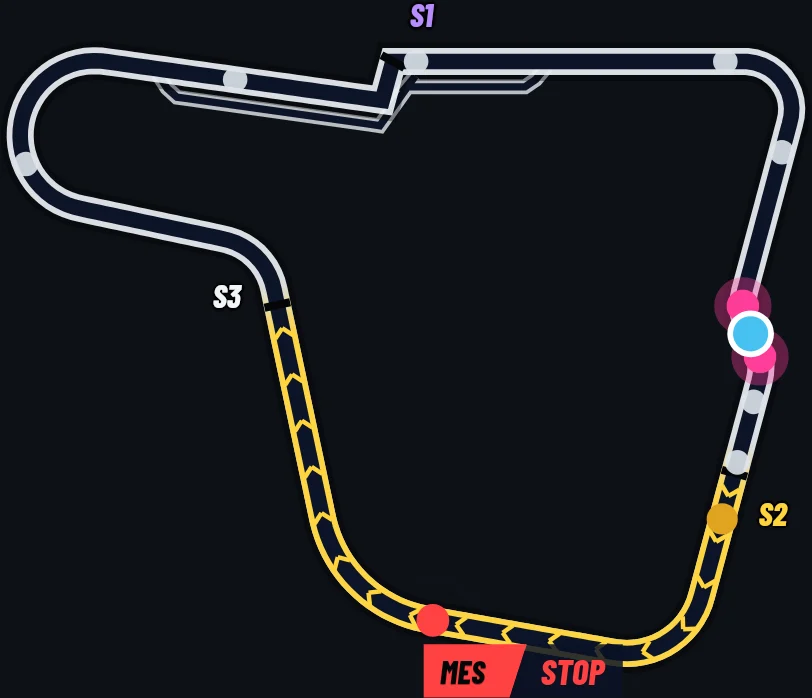
Track map Every car on the lap, you highlighted, the sectors marked. The yellow sector here comes from Race Control’s race apps.
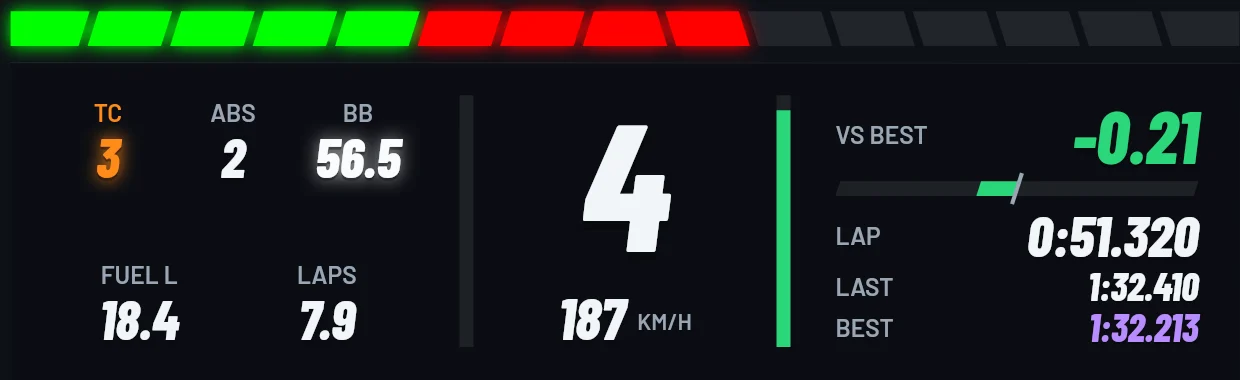
Dash Shift lights, gear, speed, TC, ABS, brake bias, fuel and your delta to the best lap in one window.
For CSP’s Rally Stage mode: gate countdown, stage strip, pace notes, stage map, rally dash and the finish card. Splits against your best work without Race Control too.
Gate countdown Hold the handbrake in the box, 3-2-1, GO, your reaction.
Stage strip The stage clock and each split against your best.
Pace notes Made by the HUD from the stage’s line, stepping forward as you drive.
Finish card Your time, every split, penalties, and a new best.
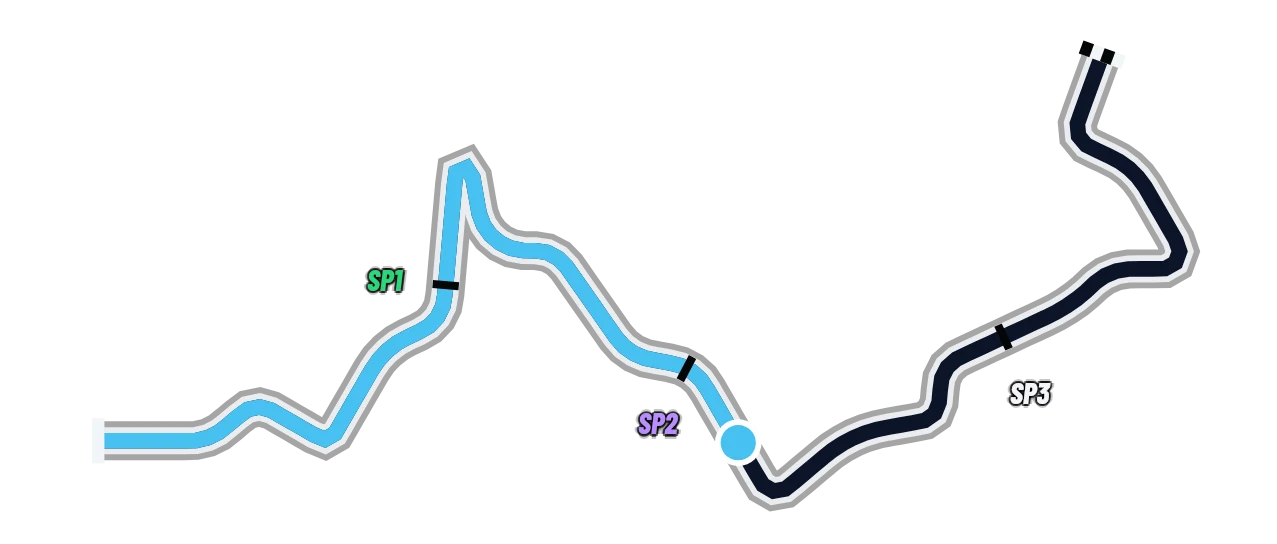
Stage map Where you are on the stage, with the split points.
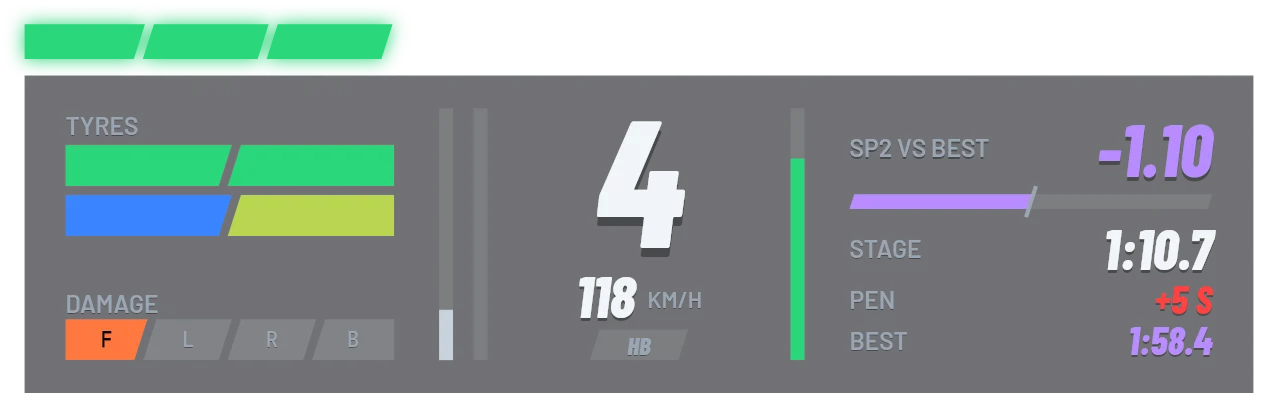
Rally dash Gear, speed, tyres, damage and the stage time in one window.
All of it, with no plan, the in-game HUD included; the weekly race needs a free account. Plans belong to SimDeckOS: Pro reads your laps back in Studio, and Race Control shows the plan you have when the plugin is linked.