
The apps,
as they look.
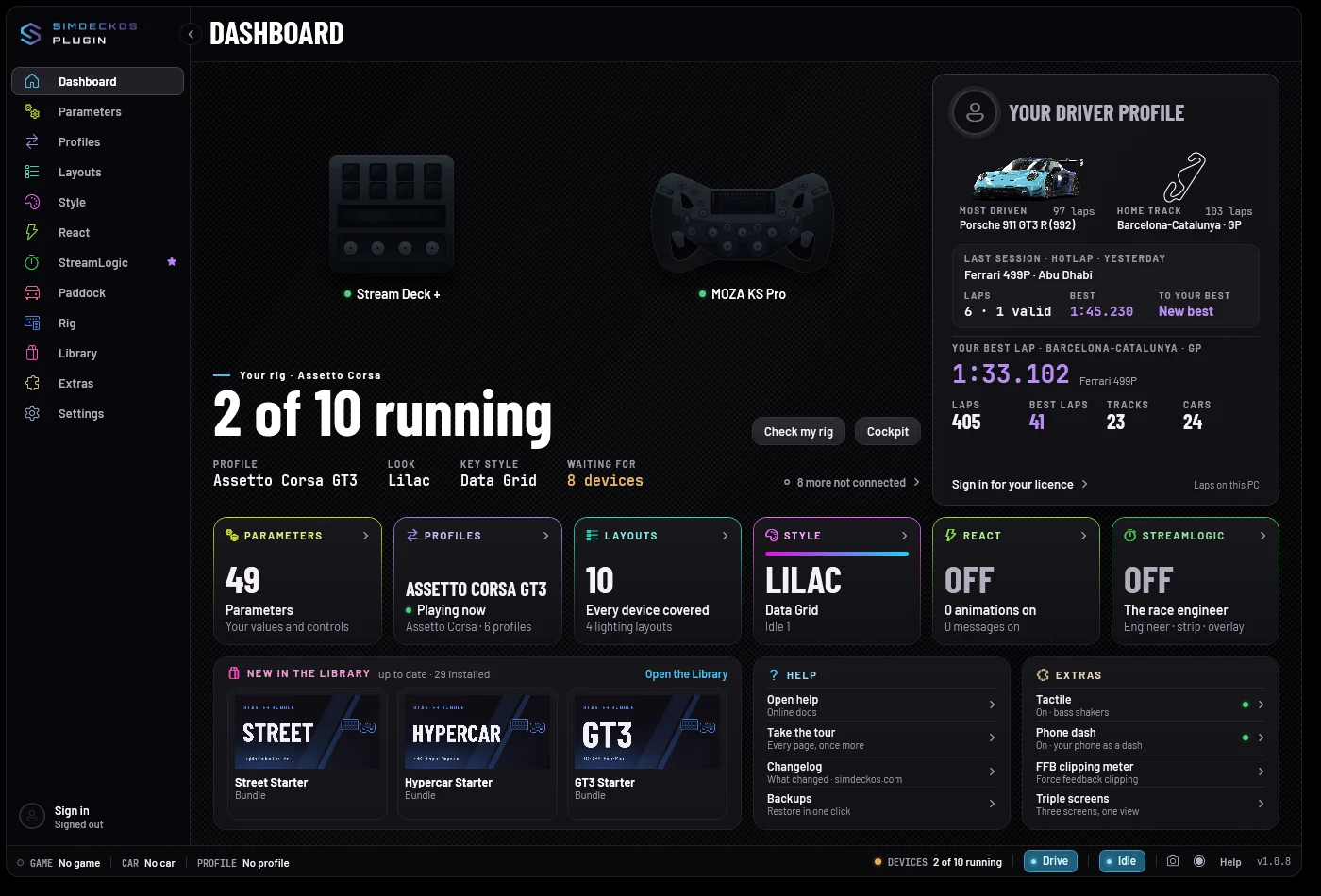
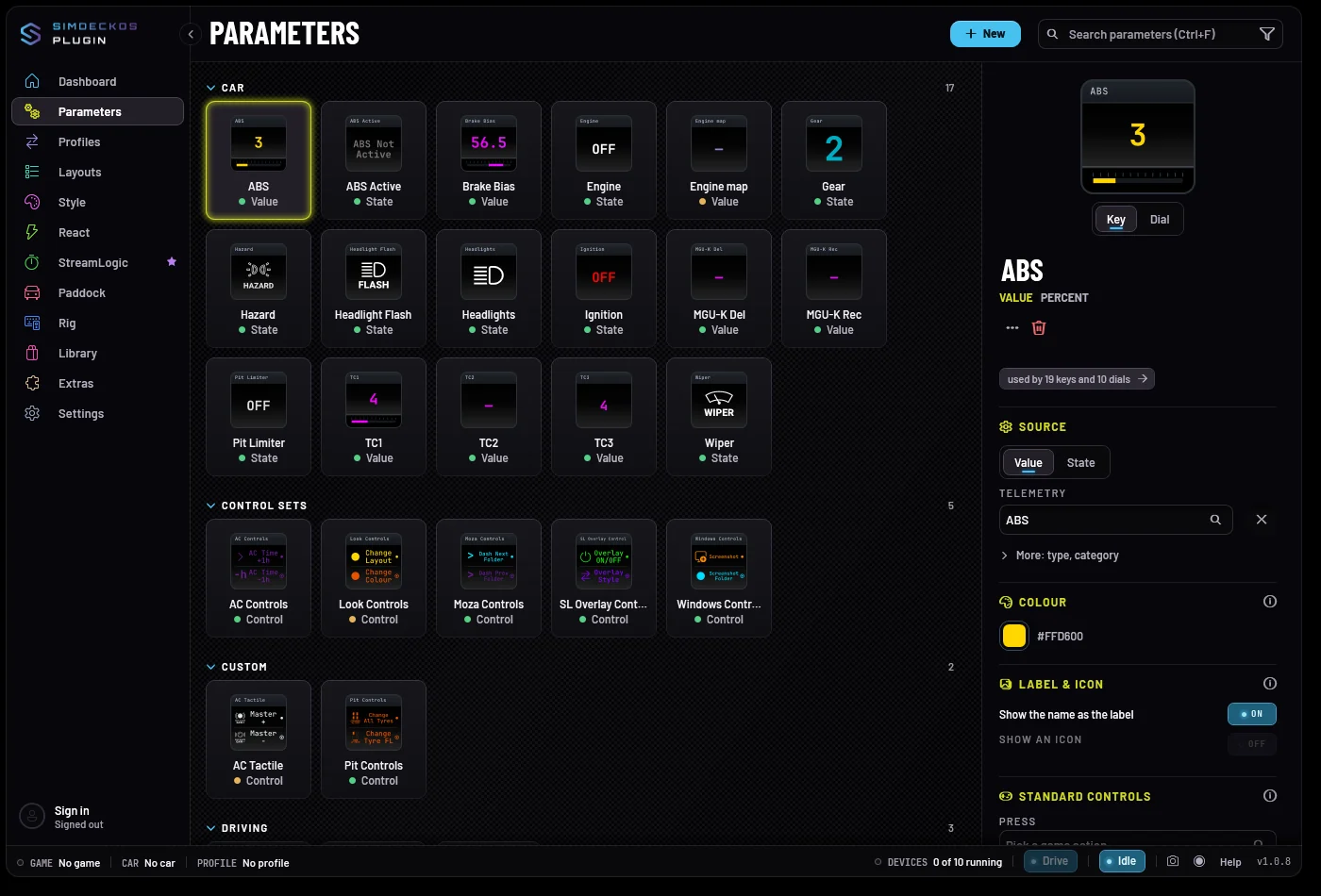
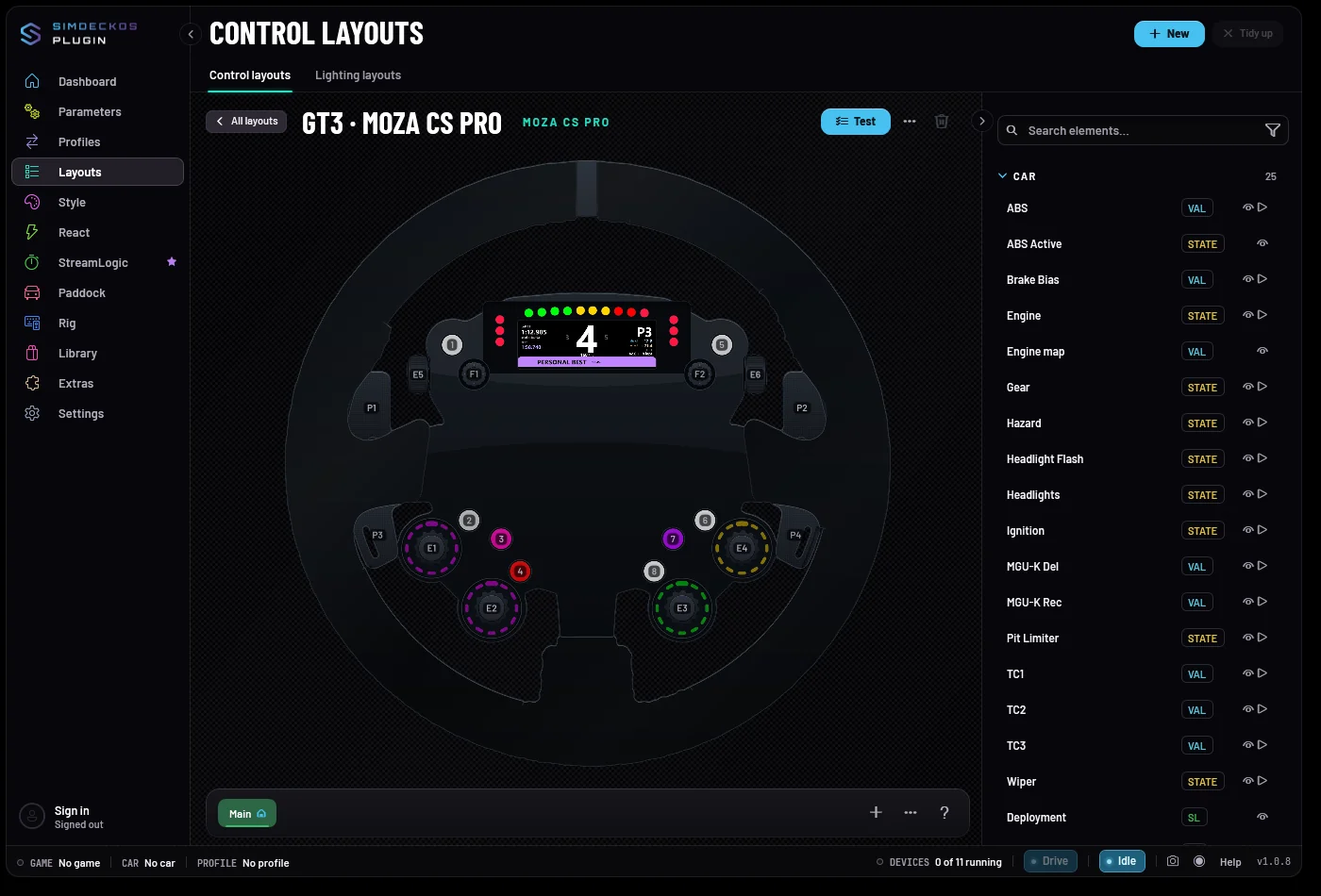
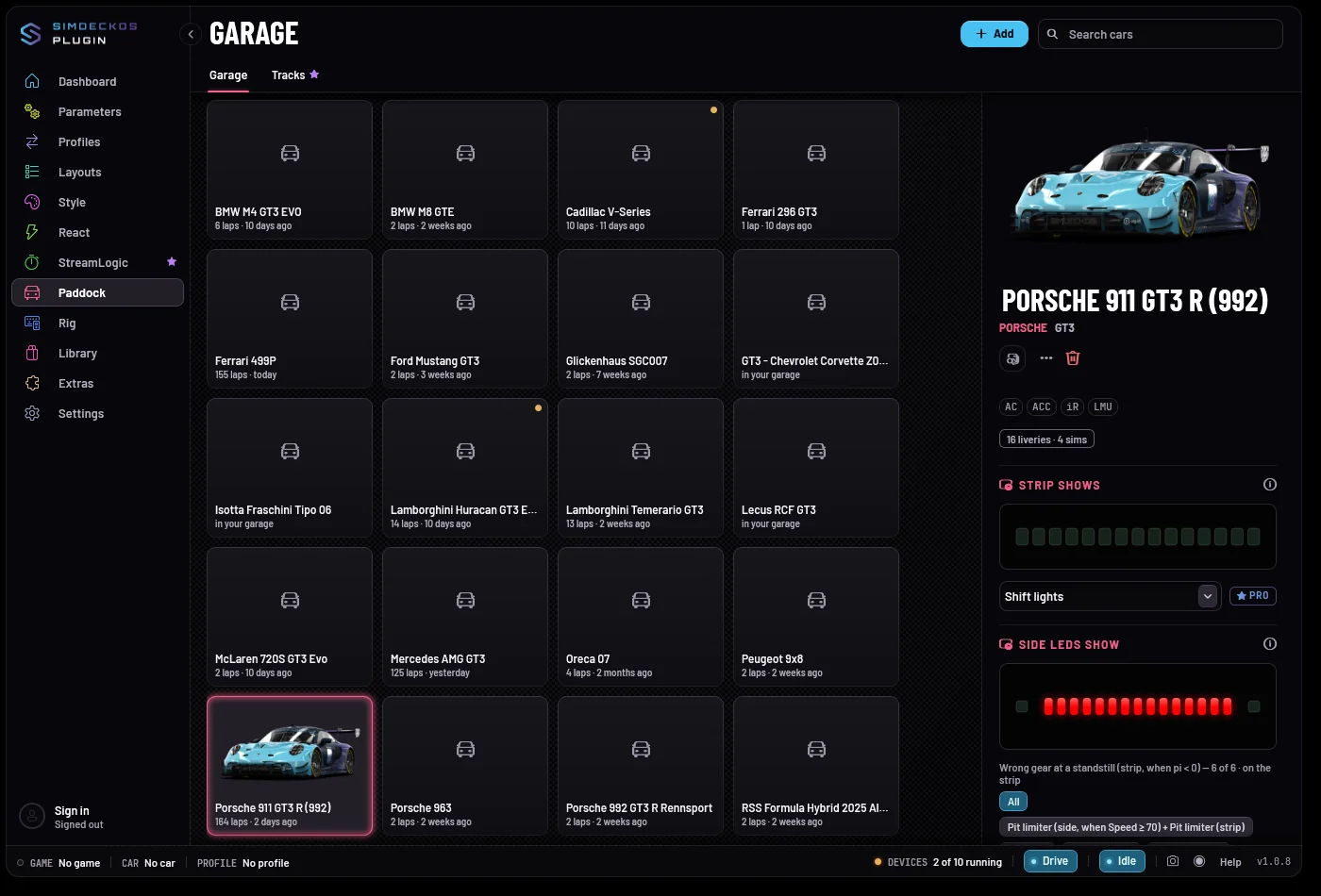
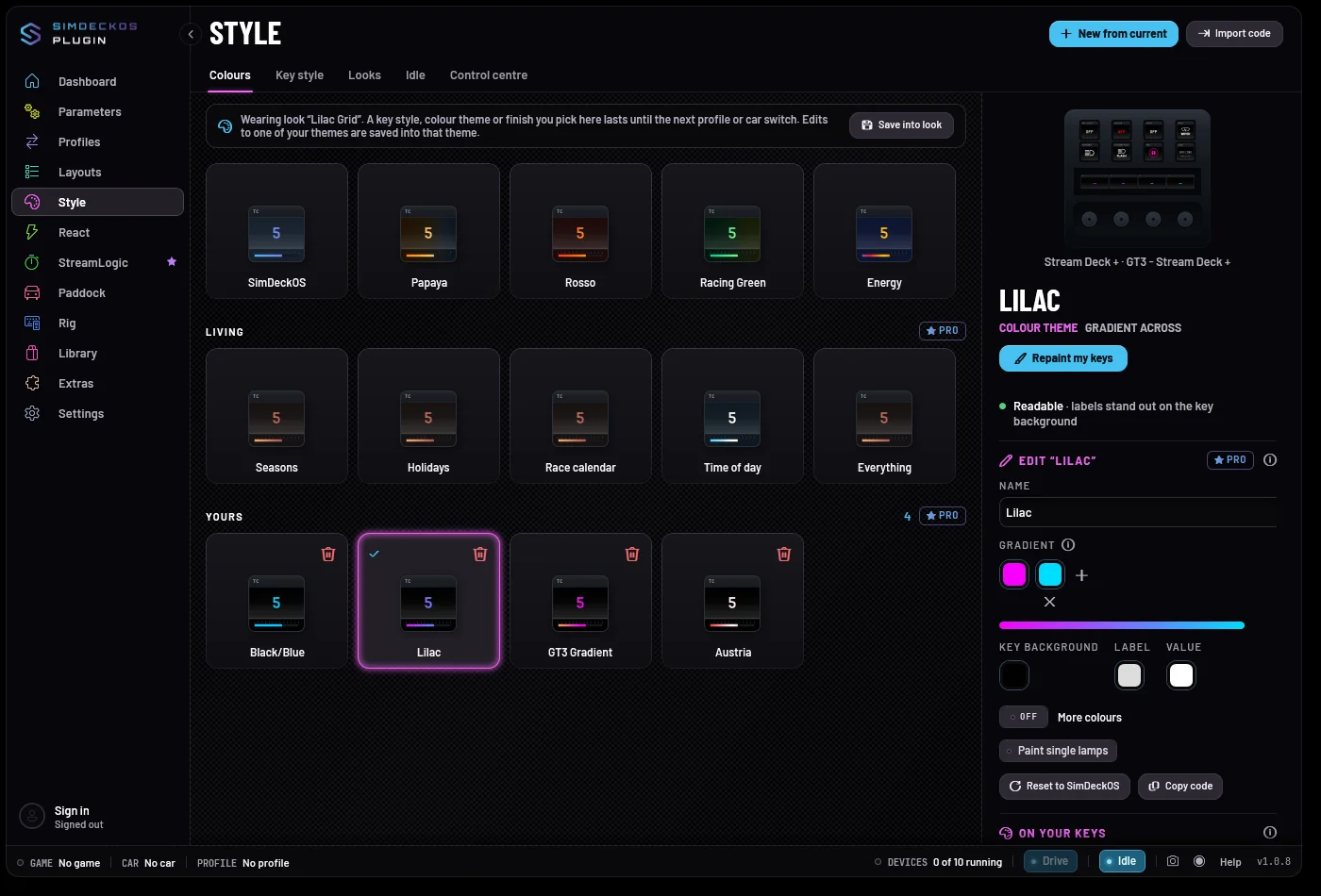
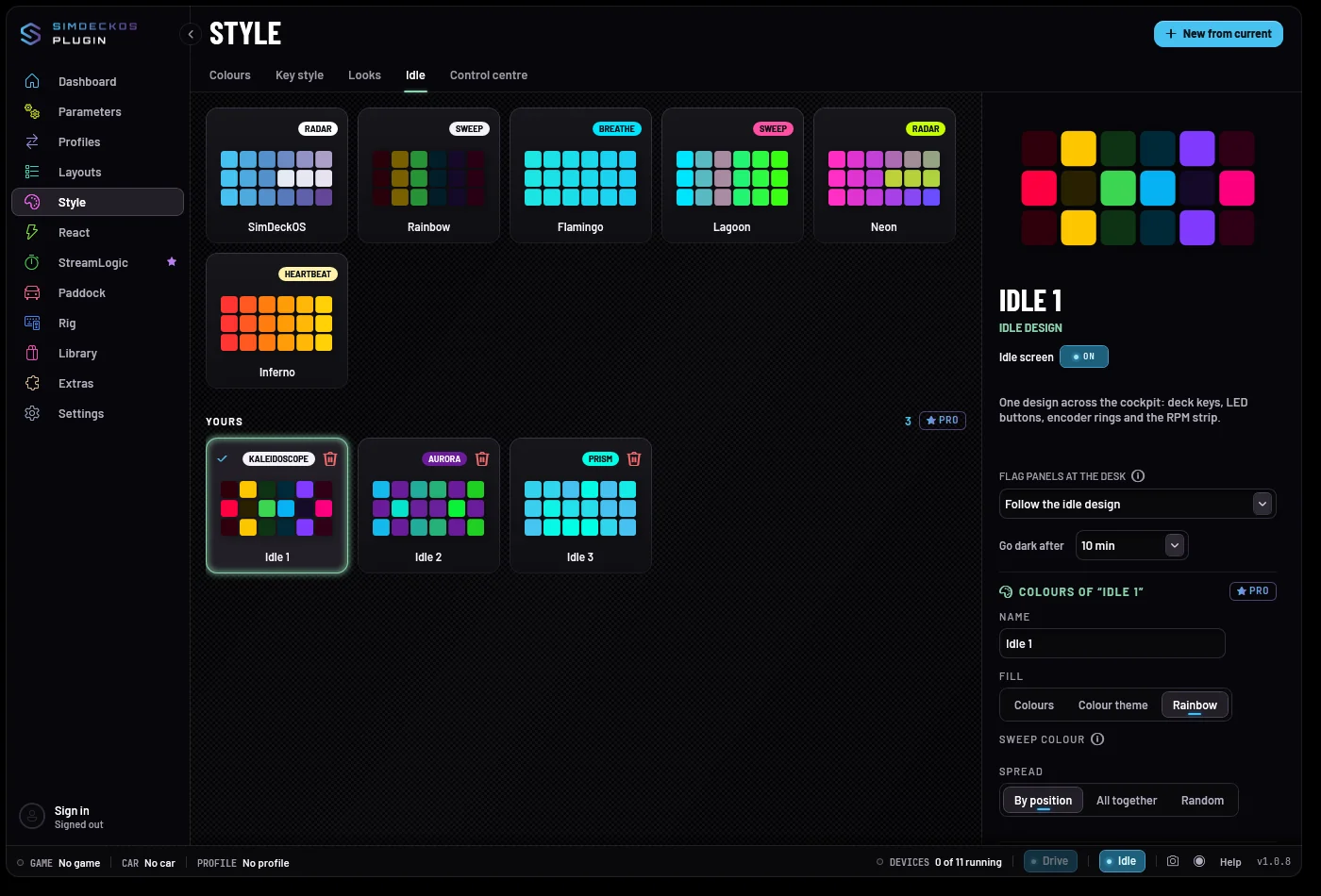
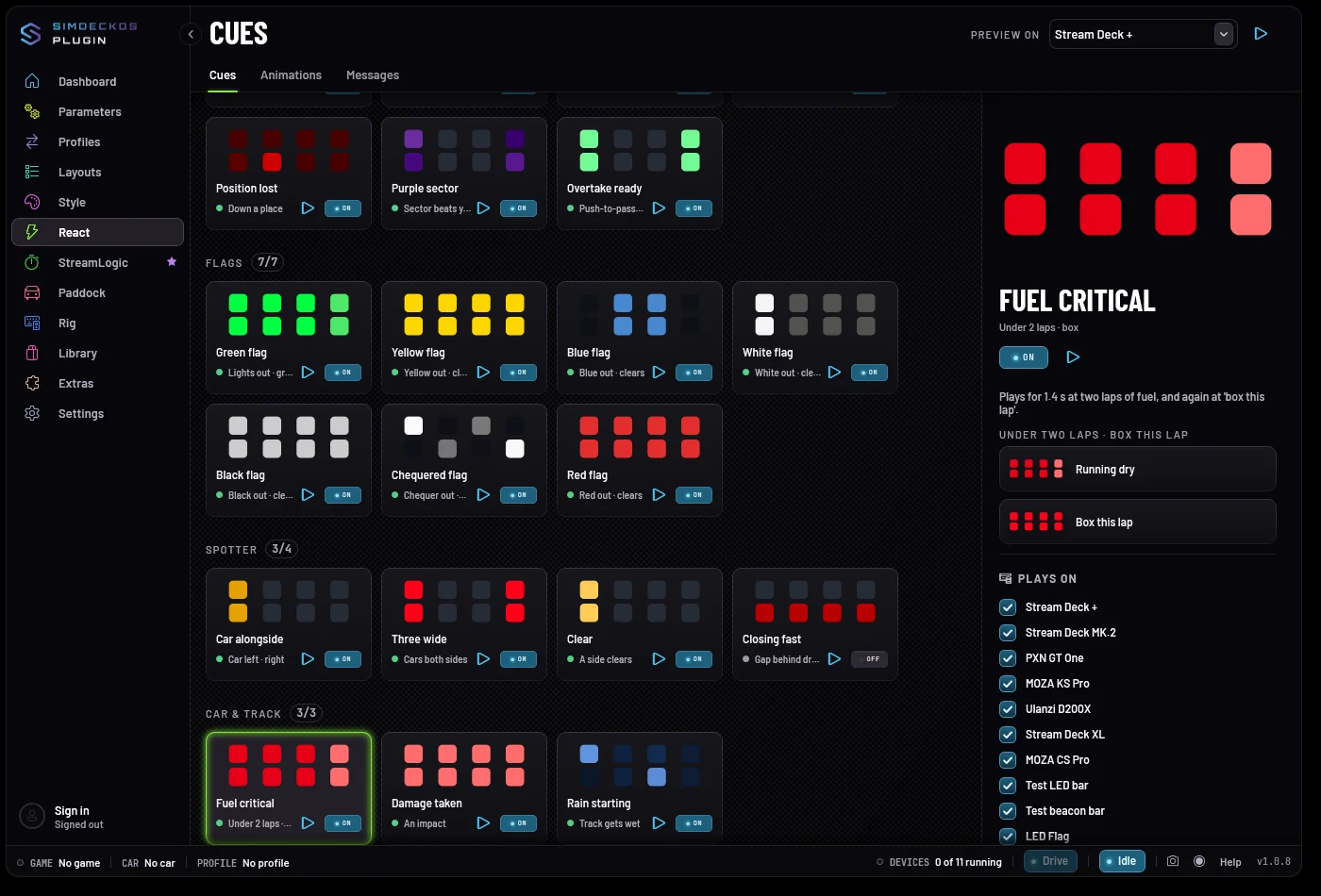
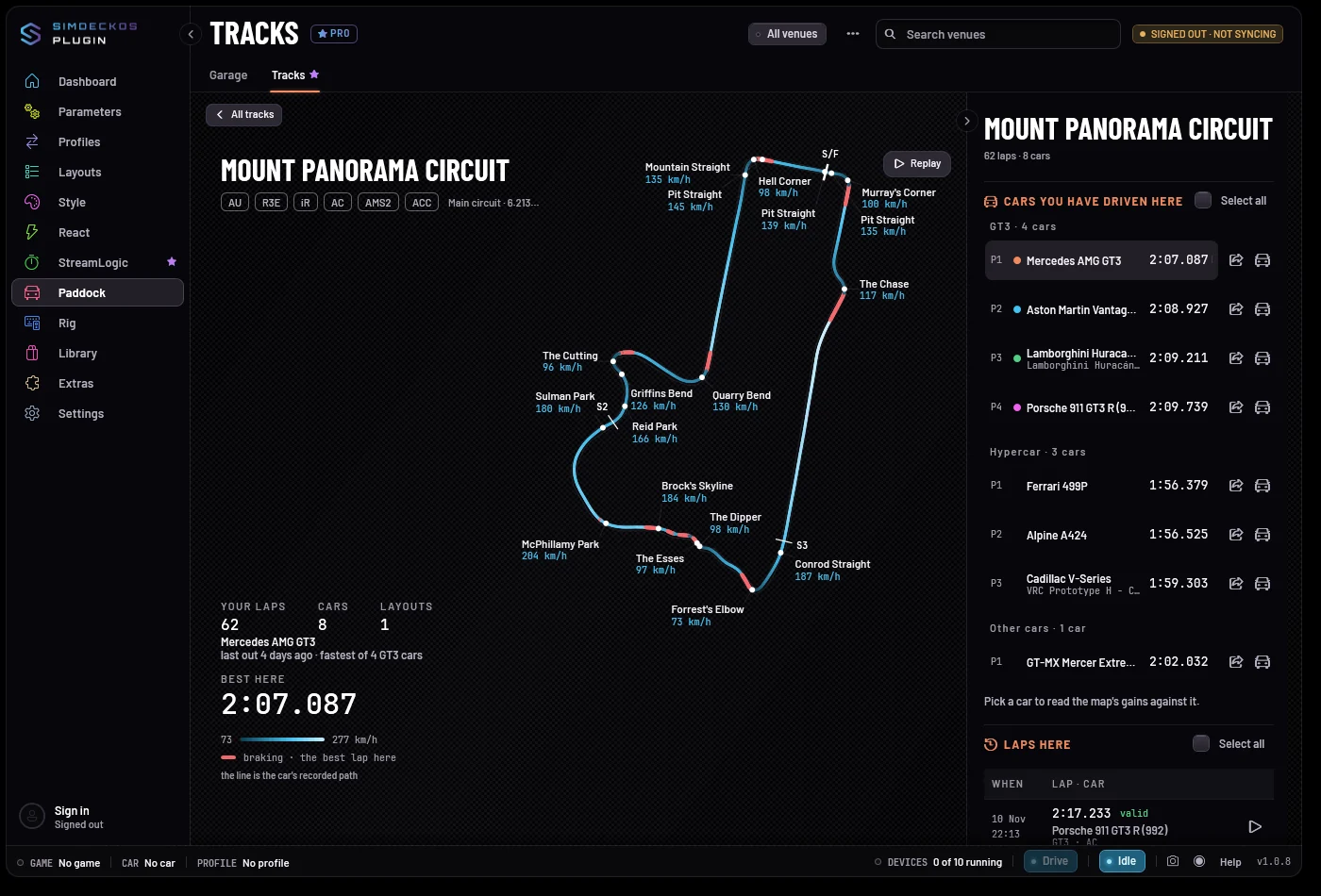
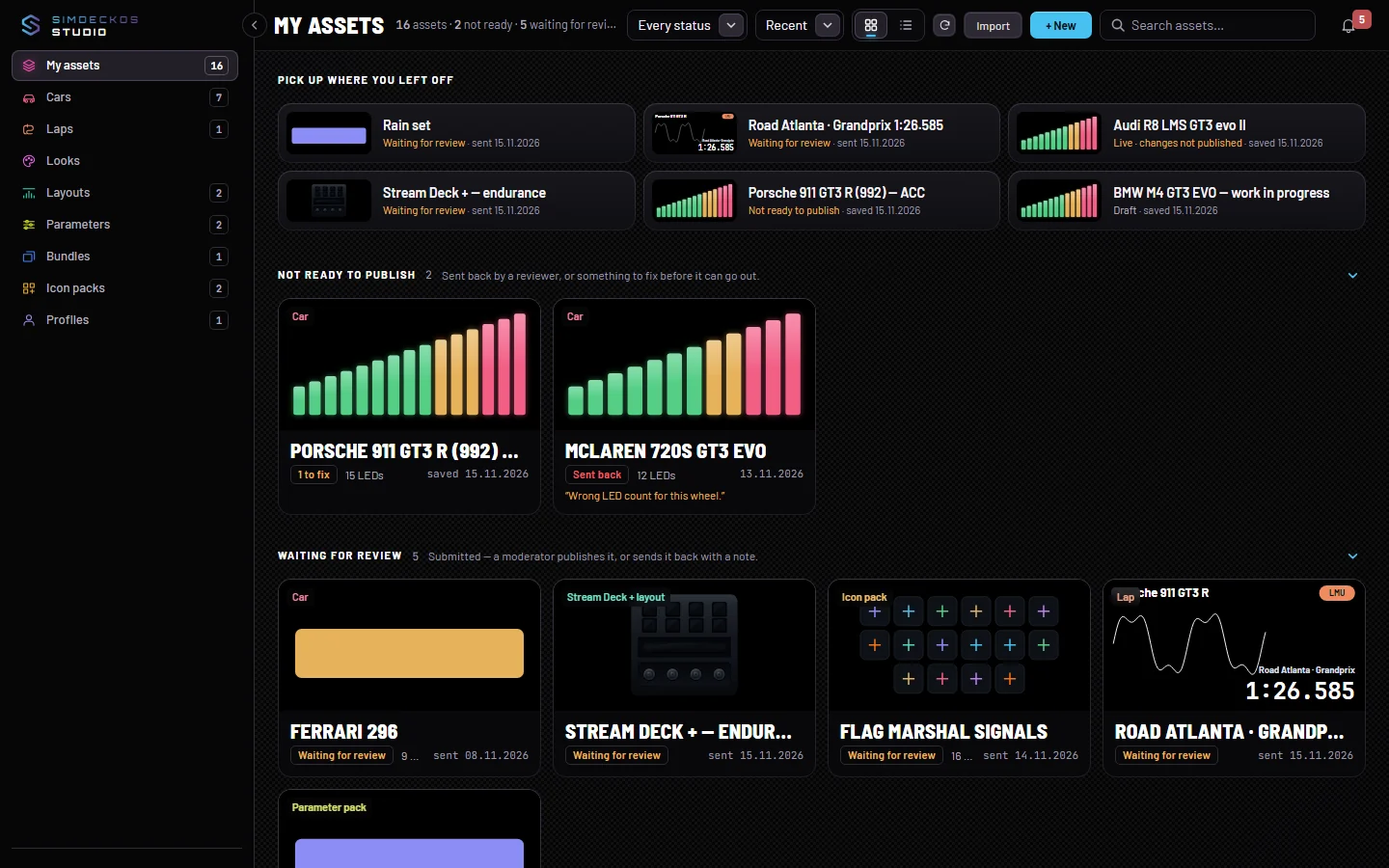
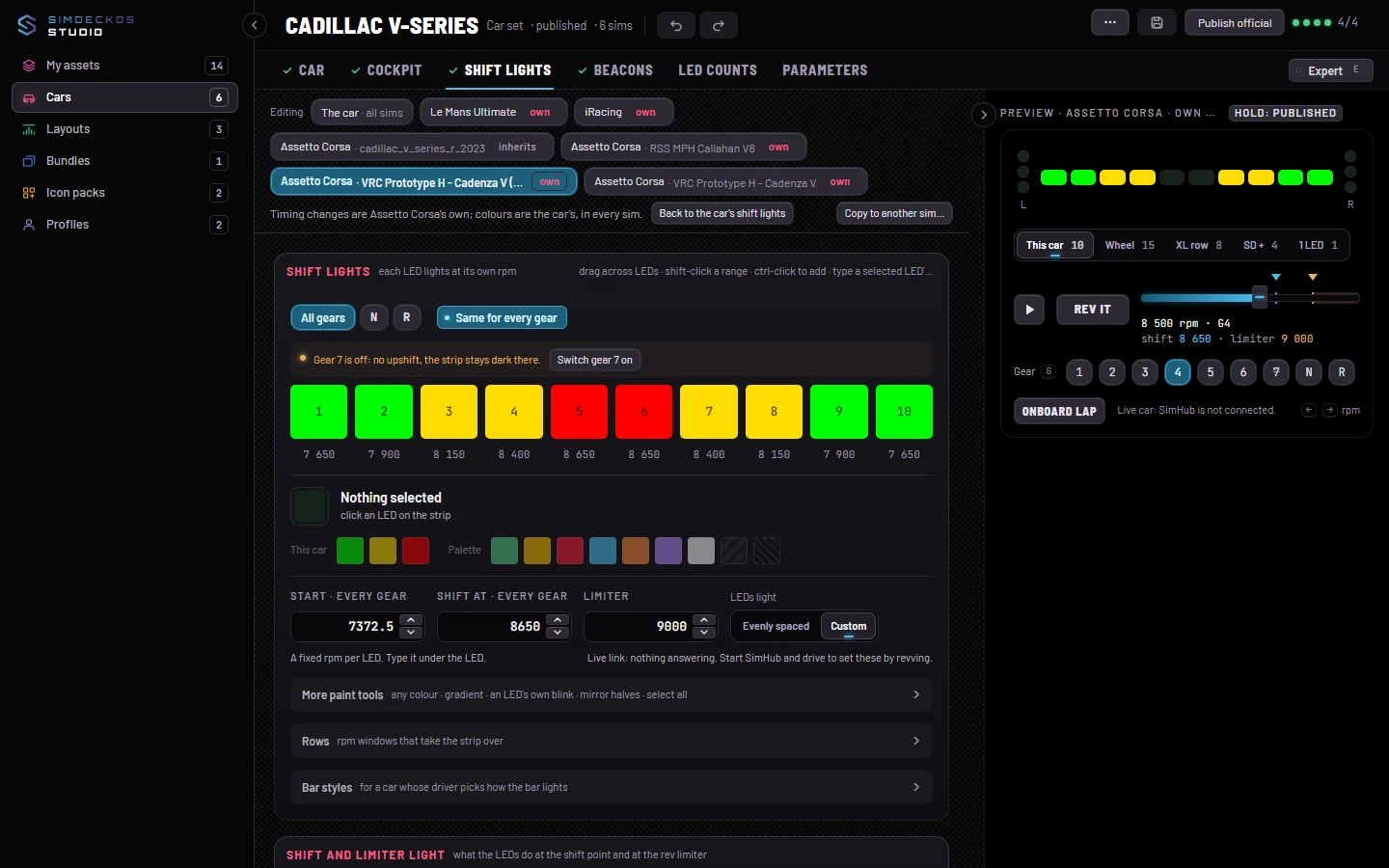
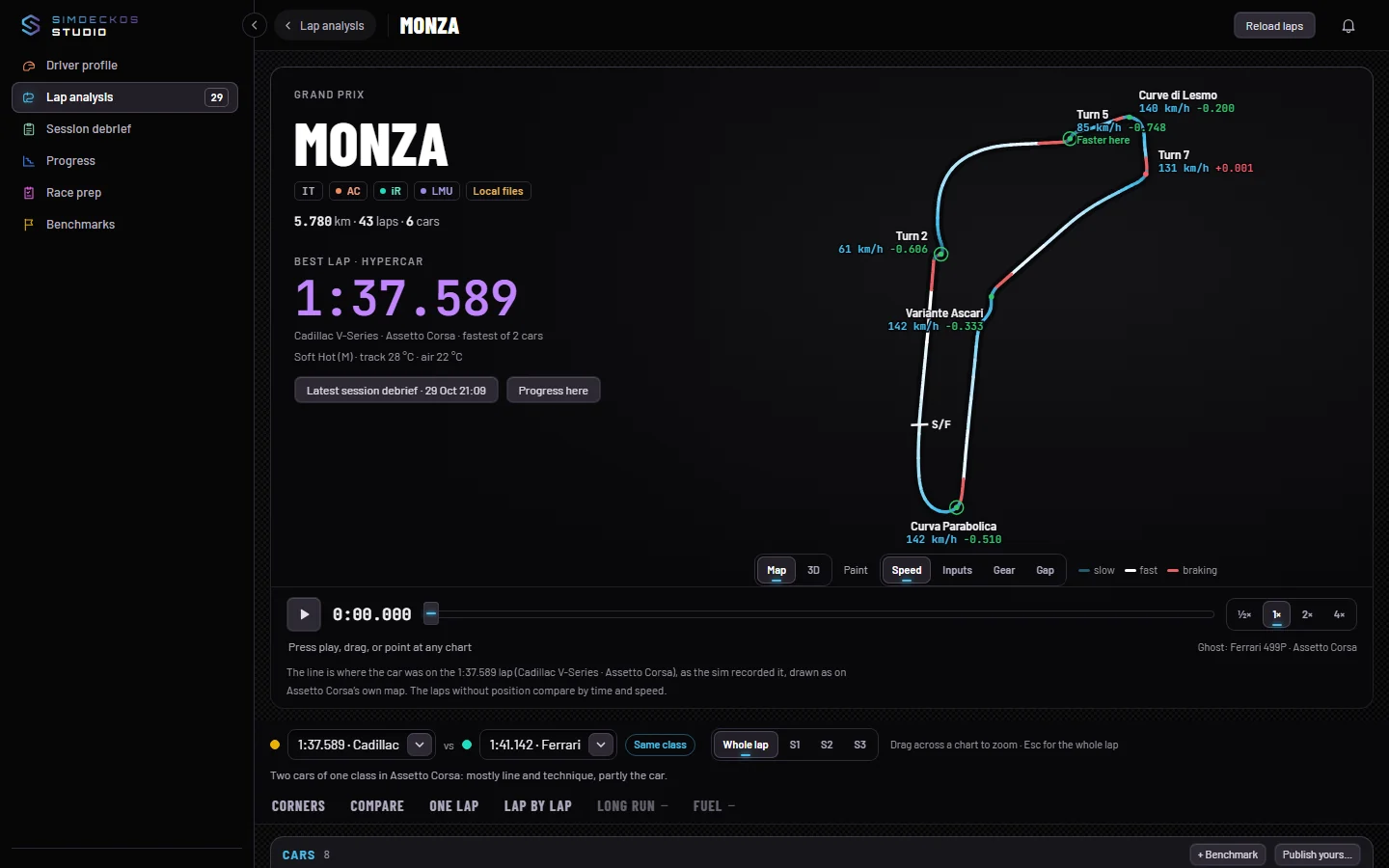
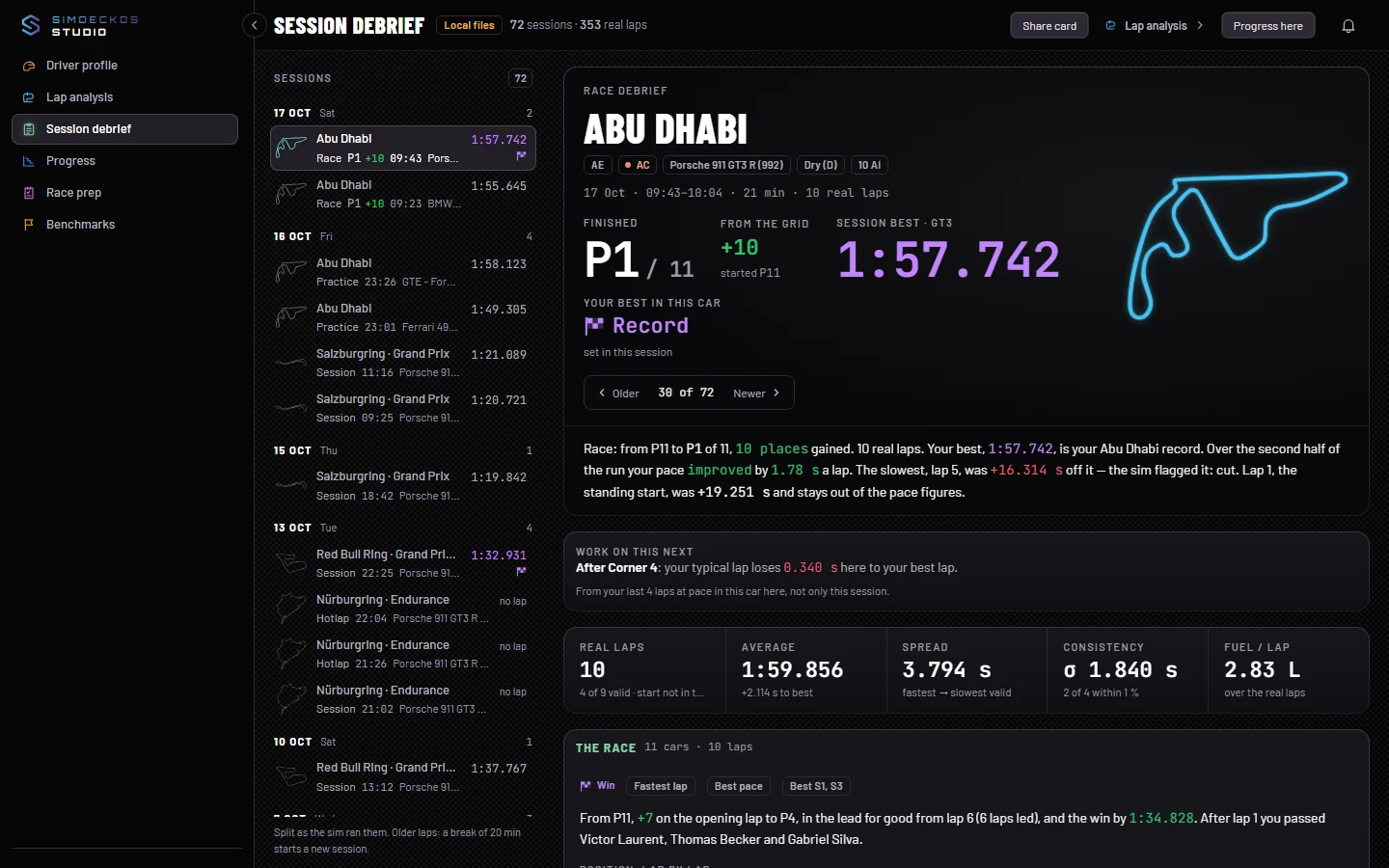
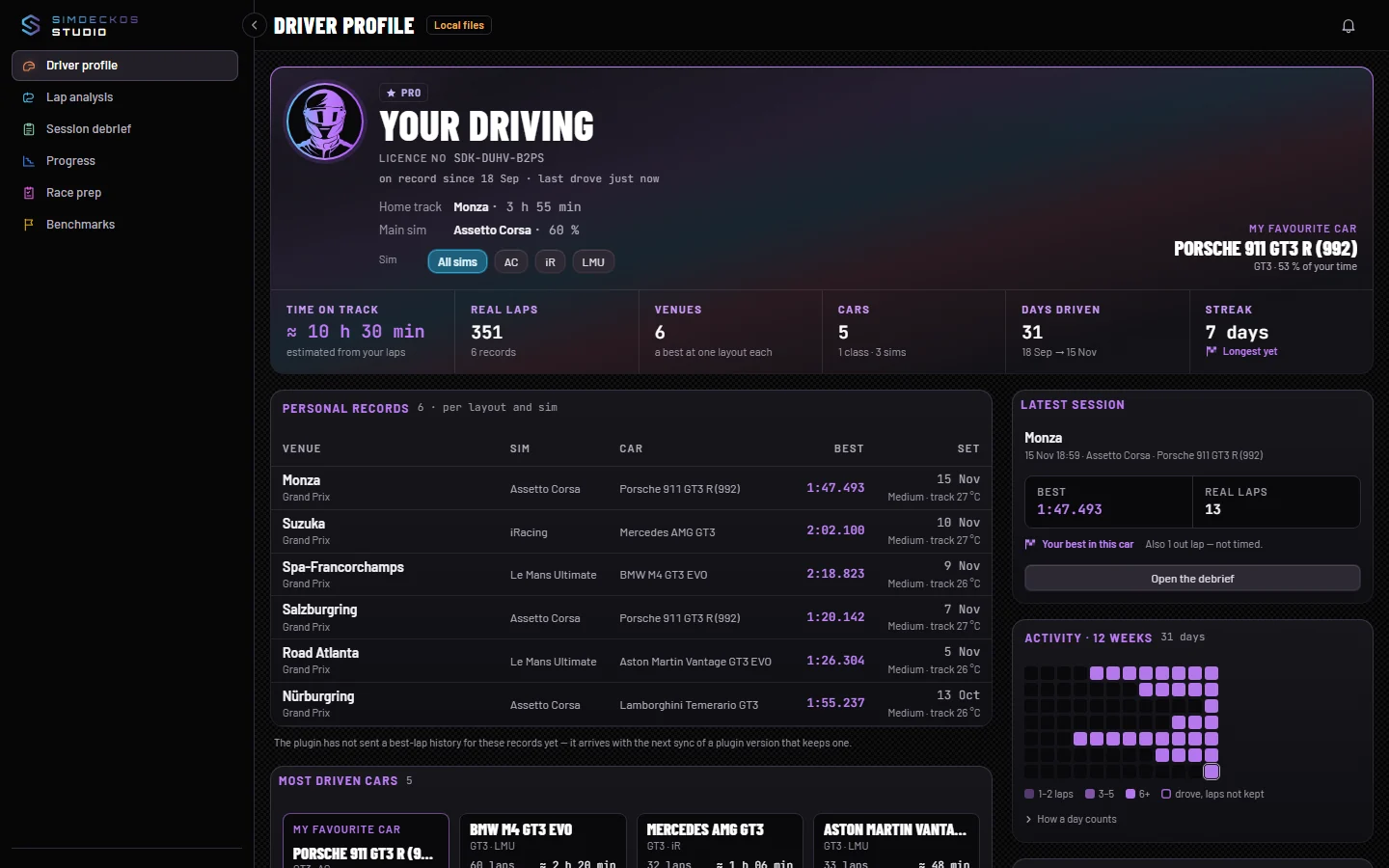
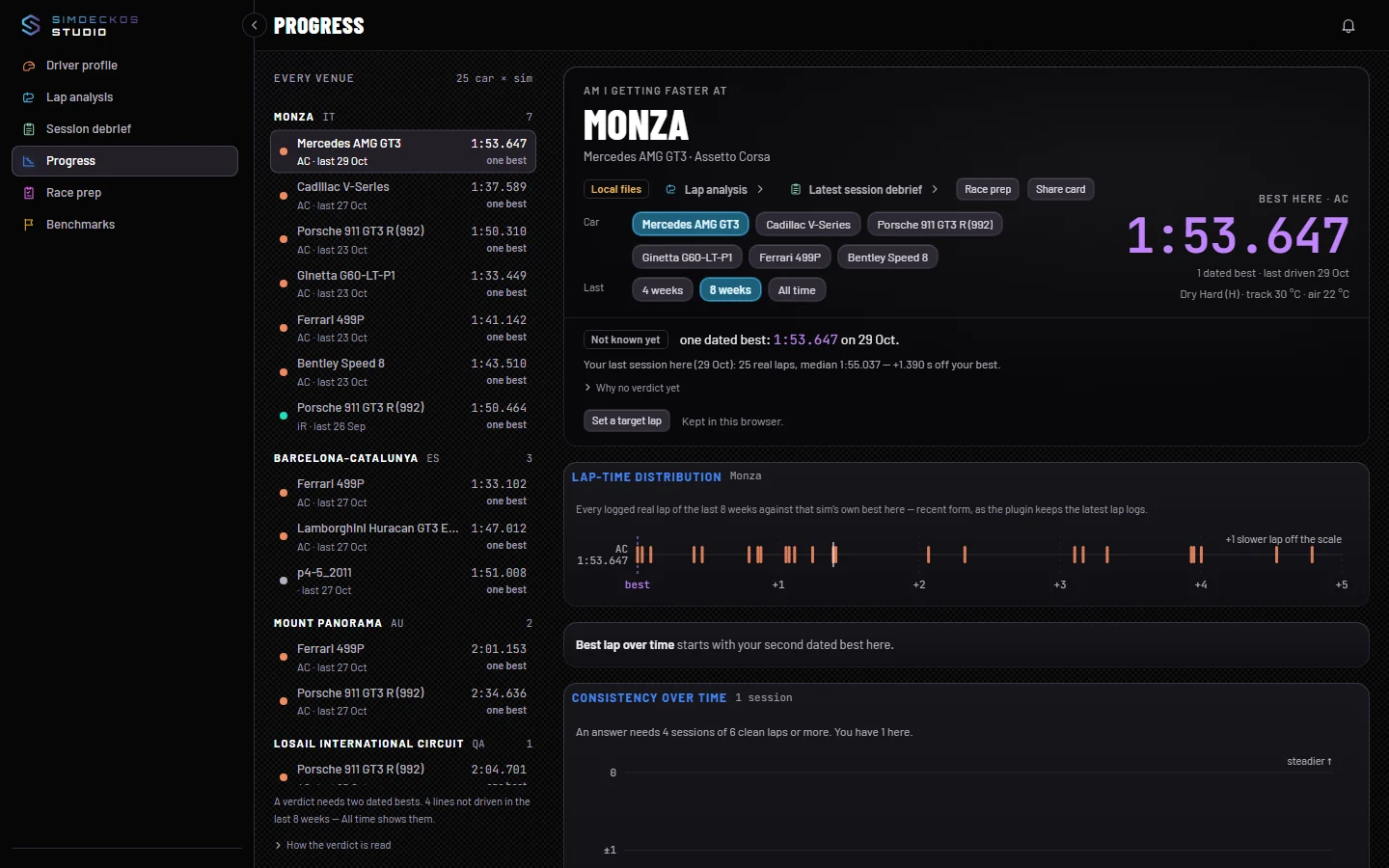
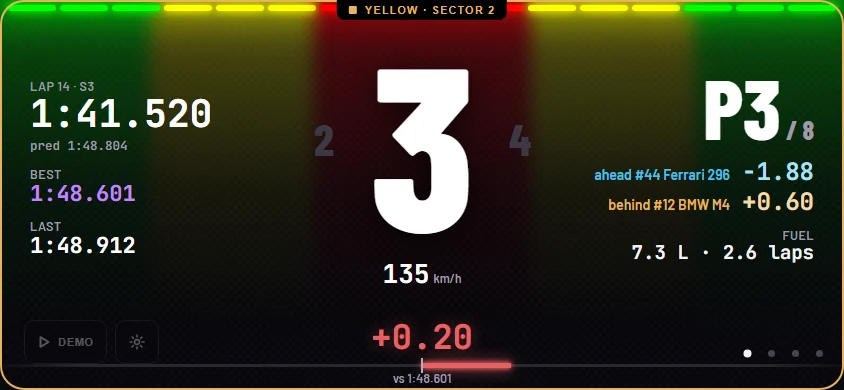
Real screenshots of the plugin, Race Control and Studio. To see what each part does, the part pages let you try it: the plugin, Race Control and Studio.
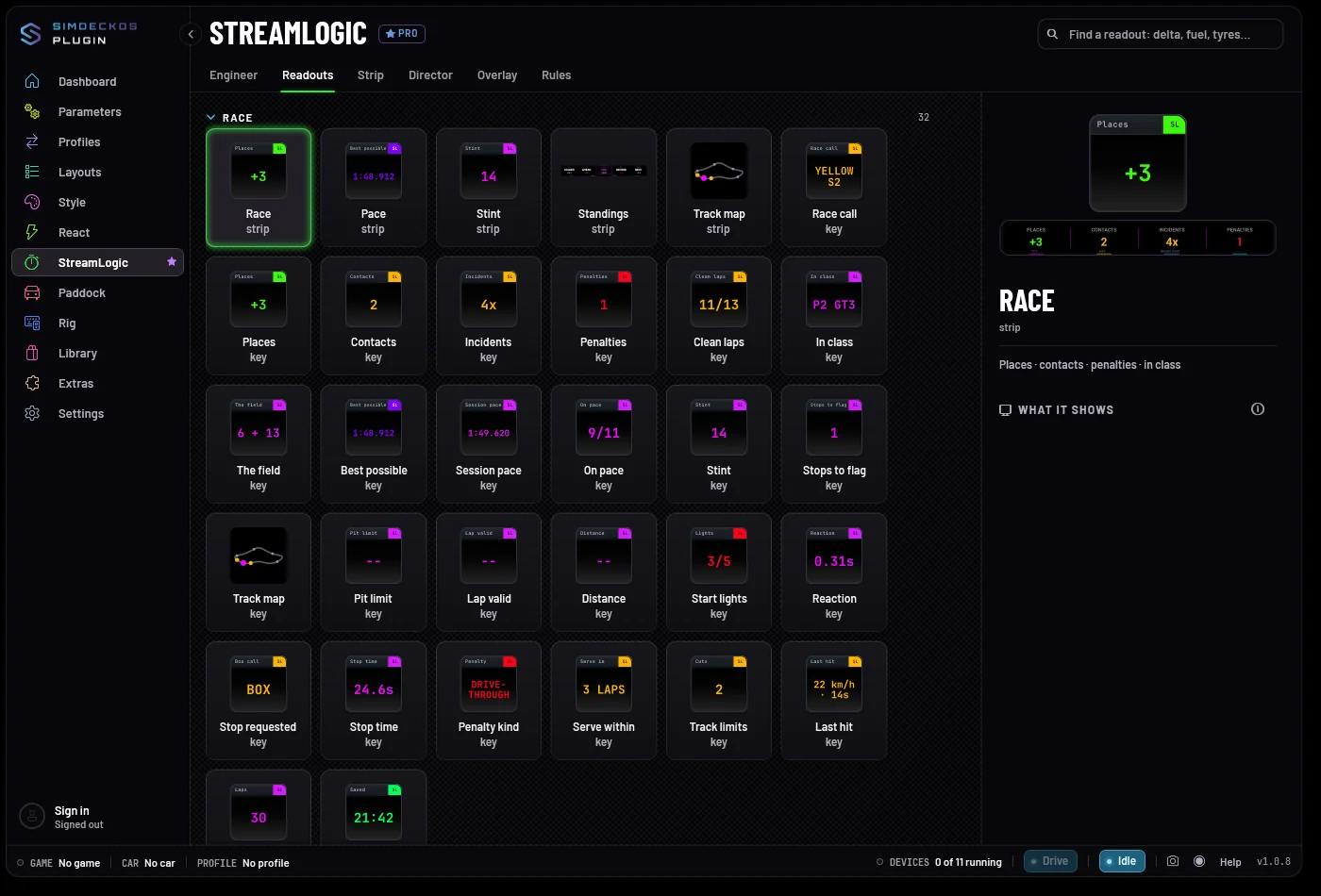
The plugin,
in SimHub.
The plugin's own screens, inside SimHub.
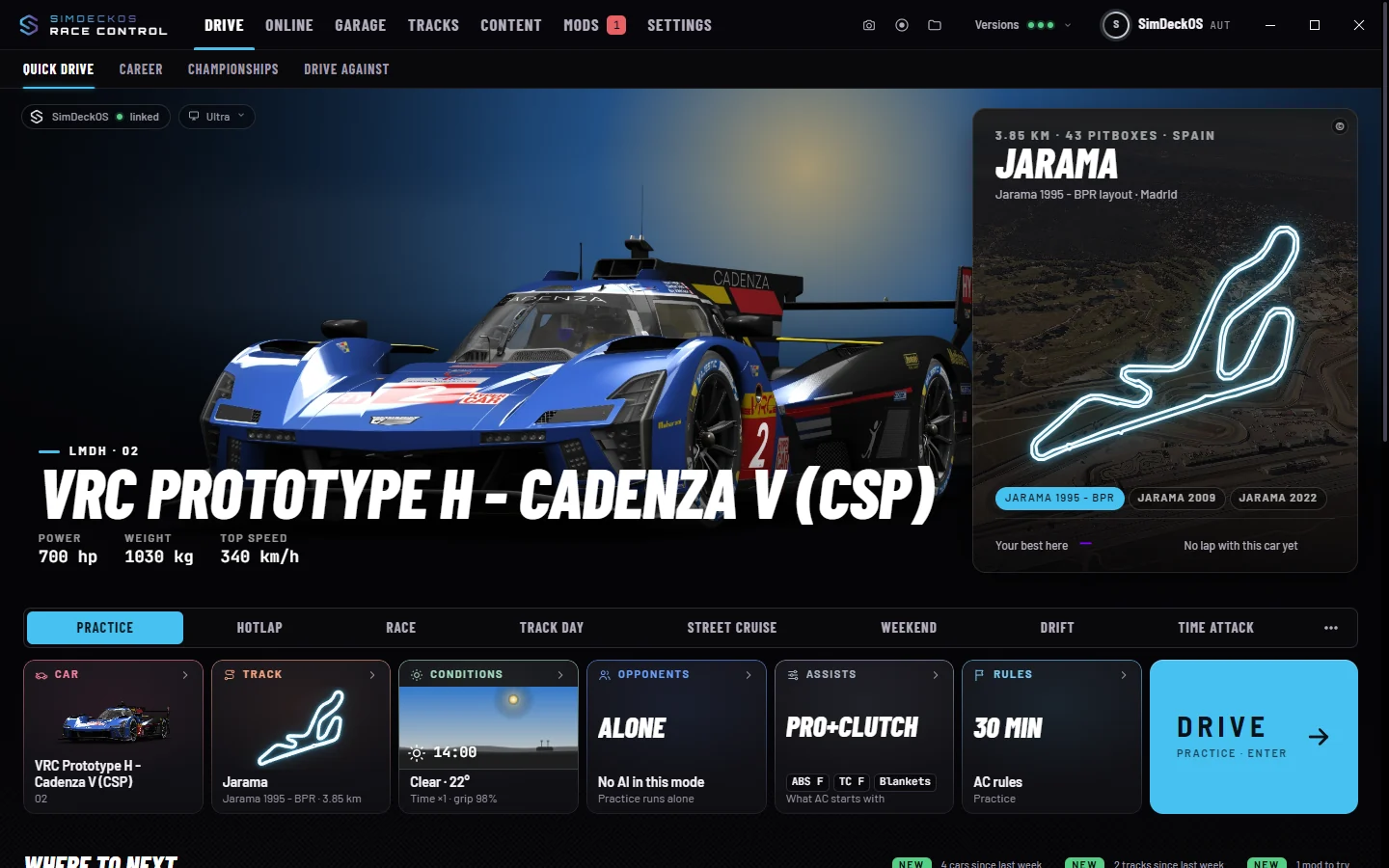
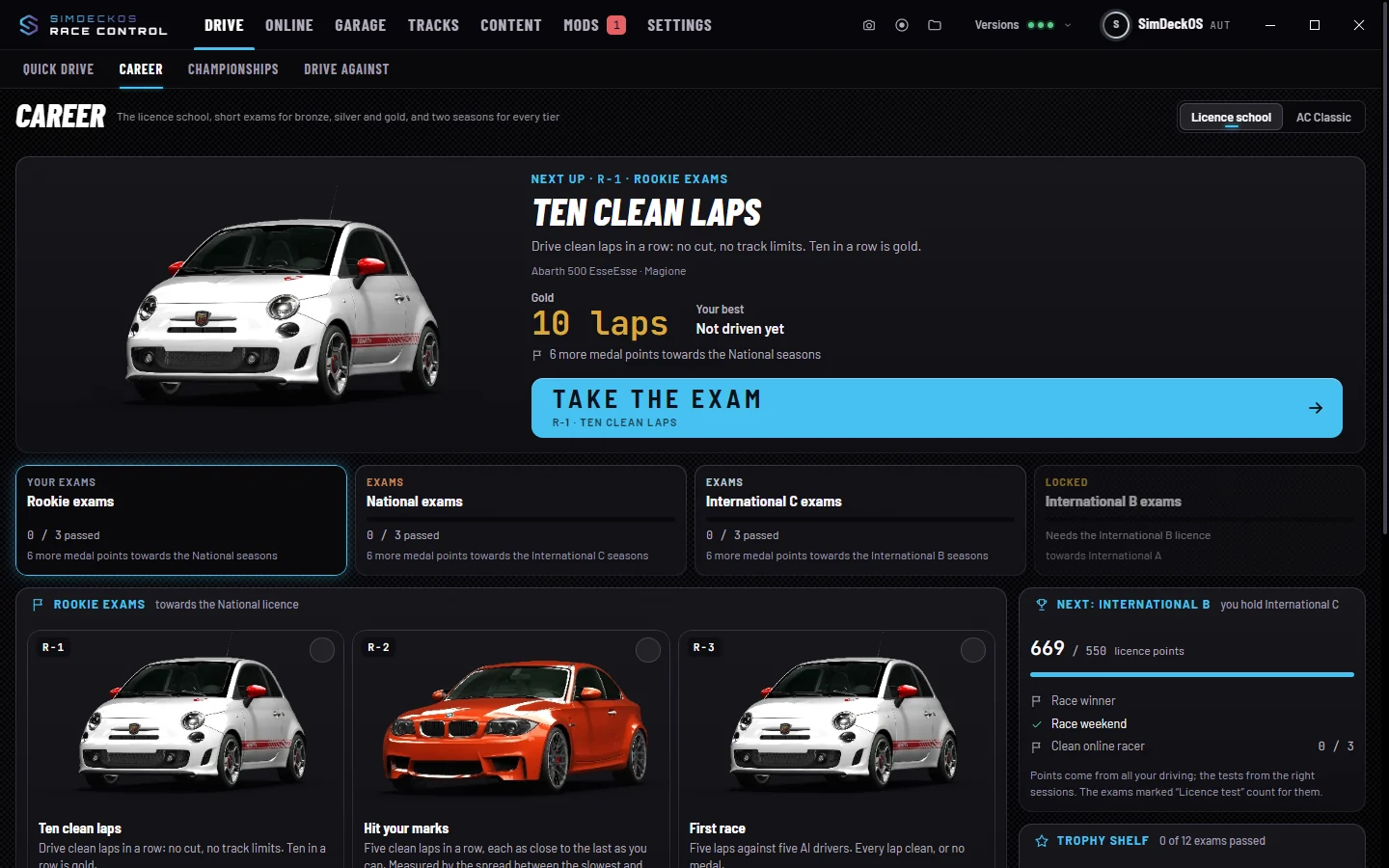
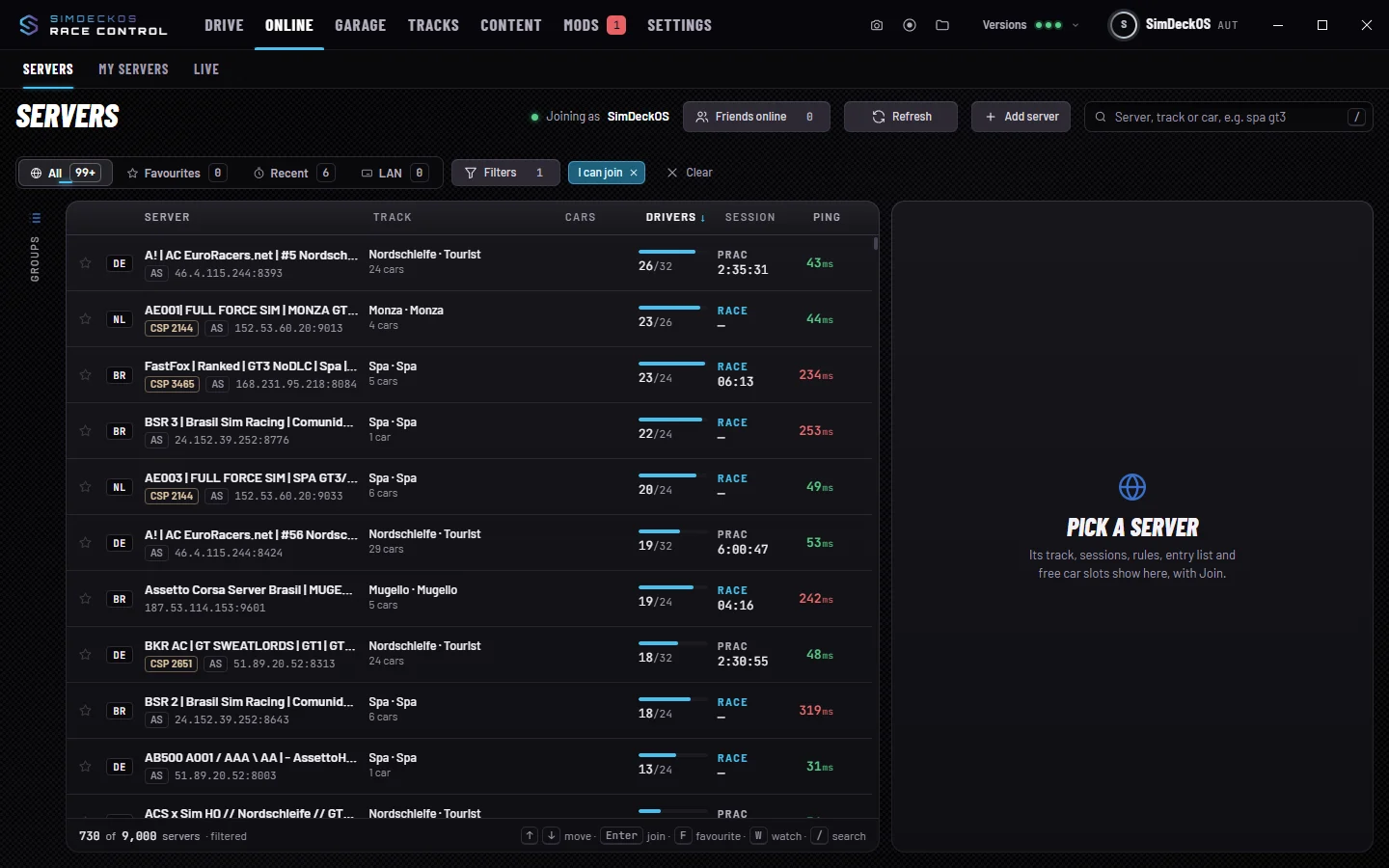
Race Control,
on your PC.
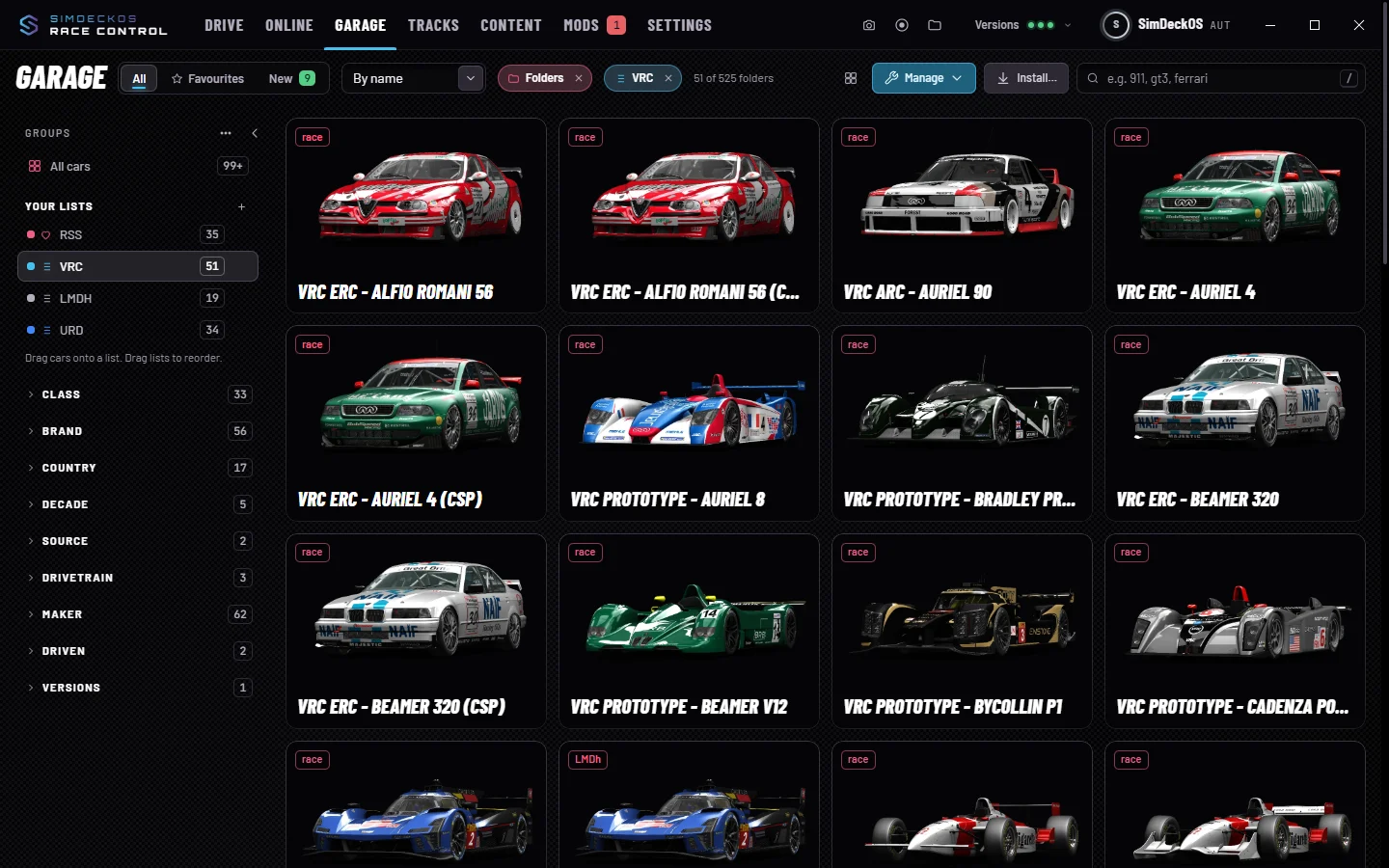
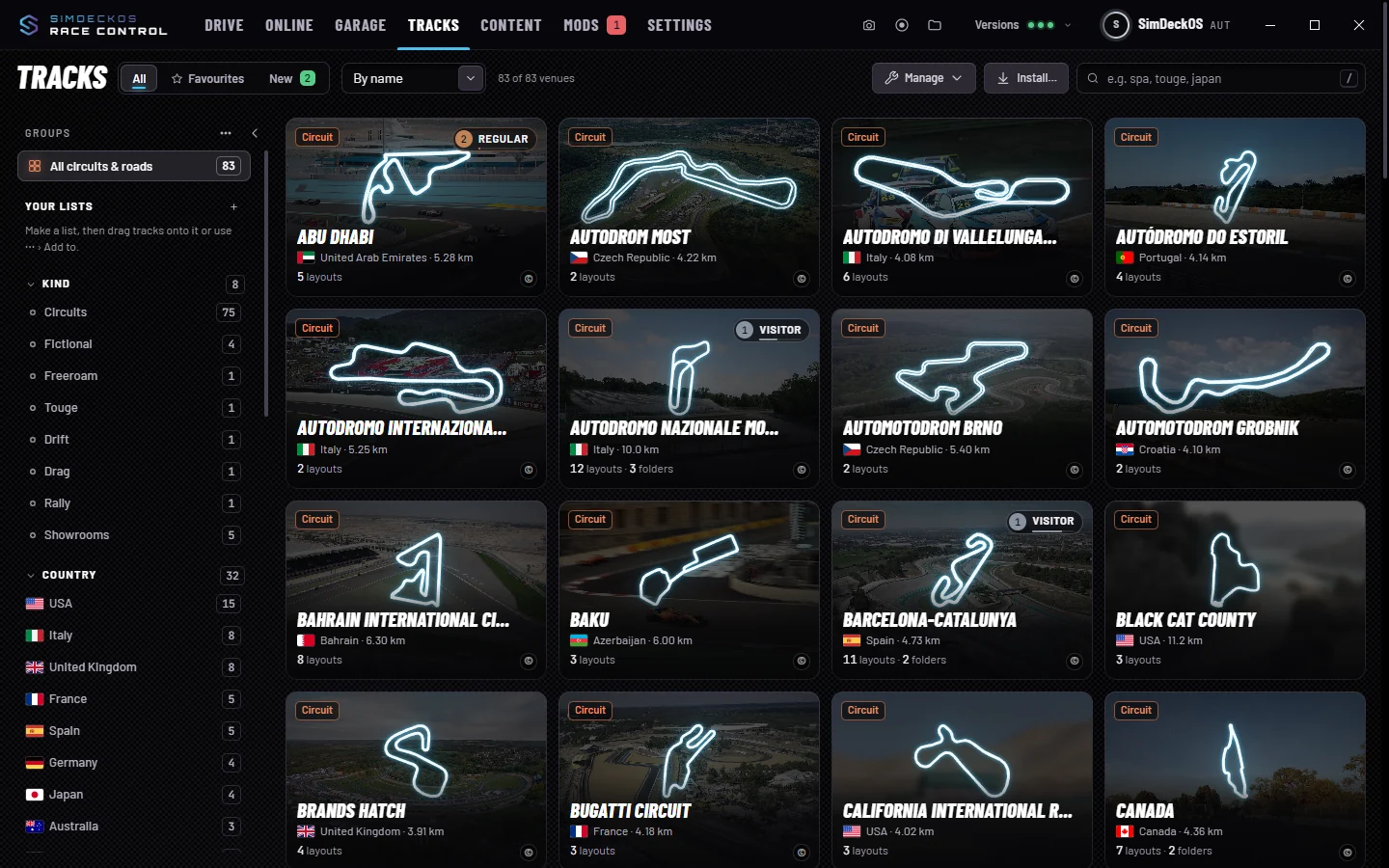
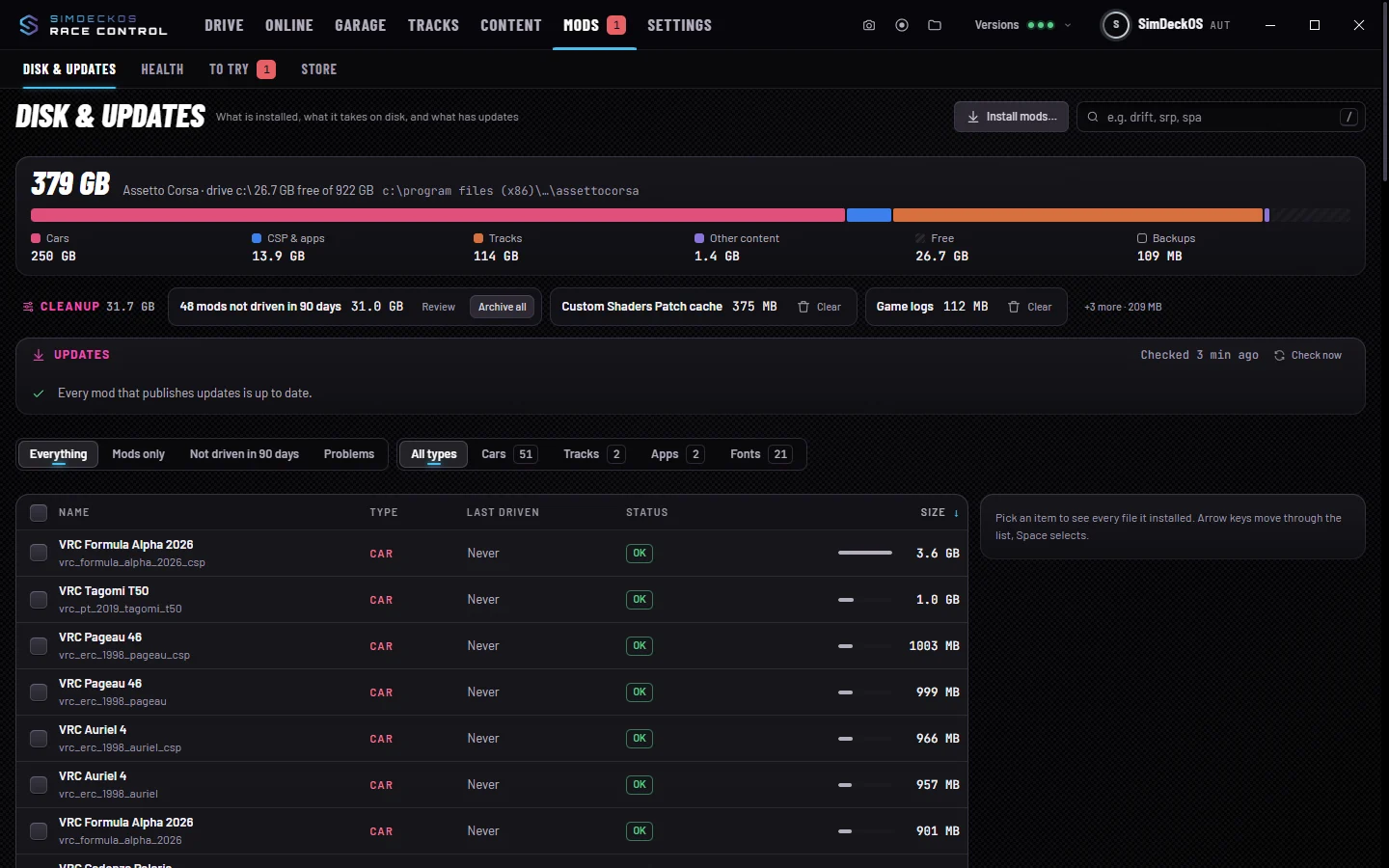
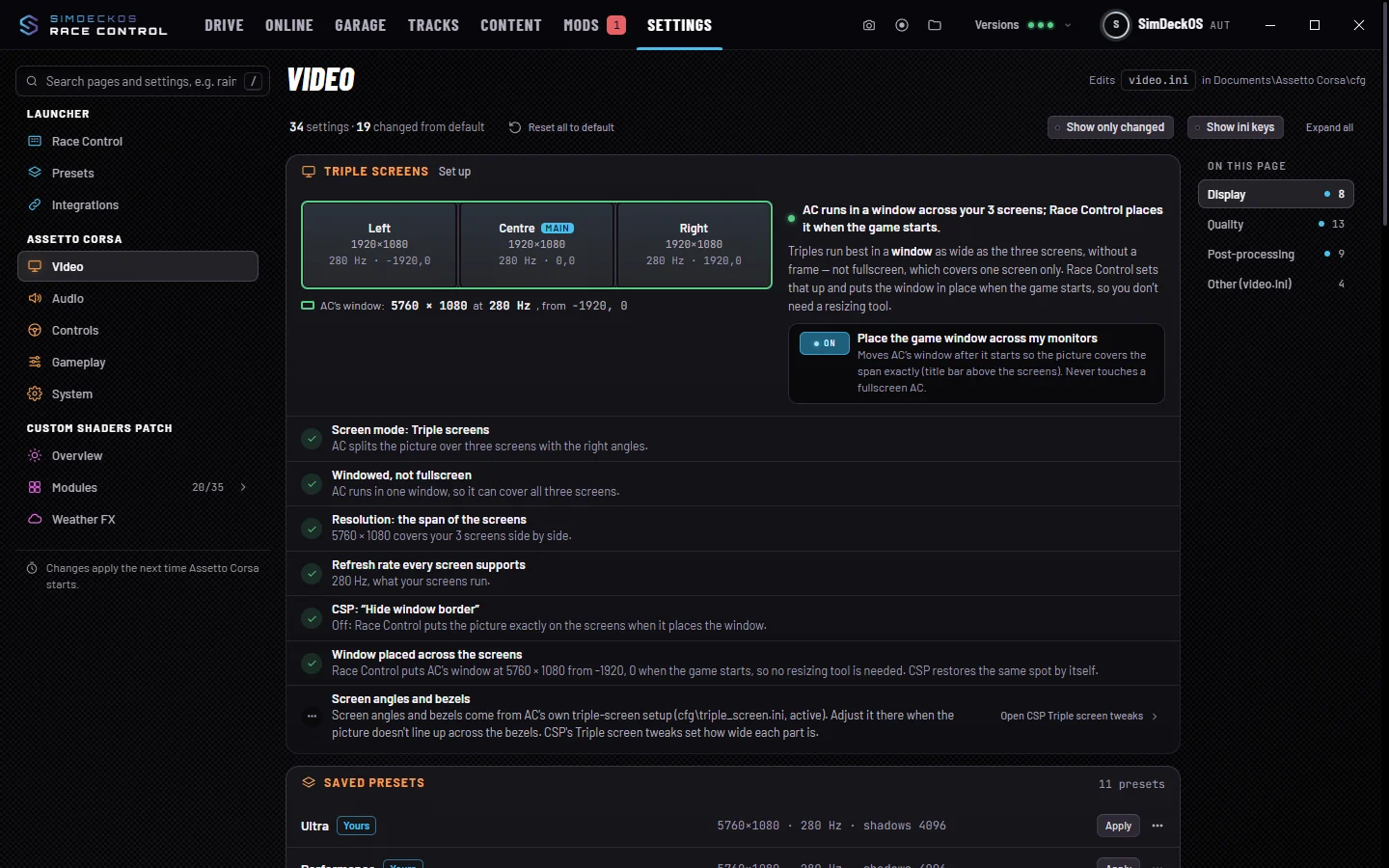
Race Control on a real Assetto Corsa install. Cars by VRC, used with their permission.
Studio,
in your browser.
Studio on desktop and phone, on sample data.
In the Race Control Tracks screenshot, the track photos are from Wikimedia Commons, blurred and dimmed: Abu Dhabi by Jamie C2009 (CC BY 2.0); Most by AutodromMost (CC BY-SA 4.0); Brno by dendrofil (CC0); Bahrain by Sjrake (CC BY-SA 3.0); Baku by ibrahimferhadli (CC BY-SA 4.0); Barcelona by Wilnel José Verdú Guerrero (CC BY-SA 4.0); Brands Hatch by TCExplorer (CC BY-SA 2.0). Black Cat County and California show the game's own previews.


