
Stream Deck + XL with SimDeckOS
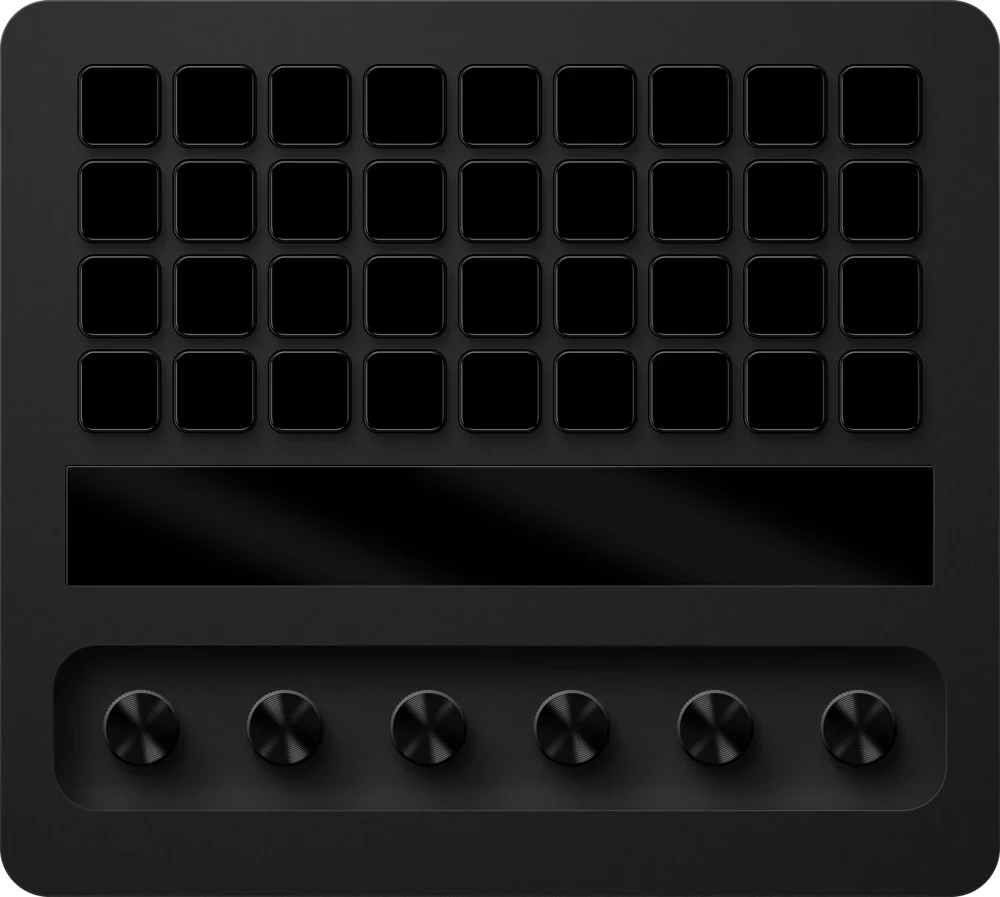
Thirty-six keys and six dials: room for a whole cockpit, split into bands.
- Controls
- 36 keys, 6 dials
- Found on USB
- No: add it with Add
- Plan
- Club, free. Pro where it says so.
What SimDeckOS puts on it
Live values and controls on every key
A parameter on a key shows its live value in its own colour, and the key changes it: TC up, brake bias down, the pit limiter on. The same parameter works in every sim and every car.
Six dials
Each dial turns its parameter: up, down and the live value.
Up to three bands
A wide deck splits into up to three bands, each on its own page, so the controls can turn a page while the lap and the tyres stay.
Pages, and pages that come by themselves
As many pages as you like. A page trigger brings one forward when the pit limiter, the pit window or a flag calls for it, and takes it away again.
Shift lights and beacons
Shift-light or beacon keys side by side form a strip, lit by each car's own shift set.
ProOverlays on any key, so a key keeps its job and lights too
When no game is running
The deck turns into a standby screen: date, time and profile, and a launcher for each of your sims.
ProYour own idle designs
Cues
A cold start that sweeps the whole rig, and your start and stop.
ProEvery cue in game
Where it sits on your rig
Mounted left, centre or right, so a car's left beacons show on the left. A deck with dials can't be turned.
What it needs
SimHub and SimDeckOS
Windows, SimHub (free) and the SimDeckOS installer, which adds the plugin and the device companions. A free SimDeckOS account.
Getting startedPut SimDeckOS on a Stream Deck
Elgato's Stream Deck app, with the SimDeckOS companion the installer adds. SimDeckOS puts its profile on the deck for you.
Read it in the docsAdd a device
SimDeckOS doesn't find it on USB by itself: add it with Add on the Devices page. It links the first time SimDeckOS sees it.
Read it in the docs