
Stream Deck Neo with SimDeckOS
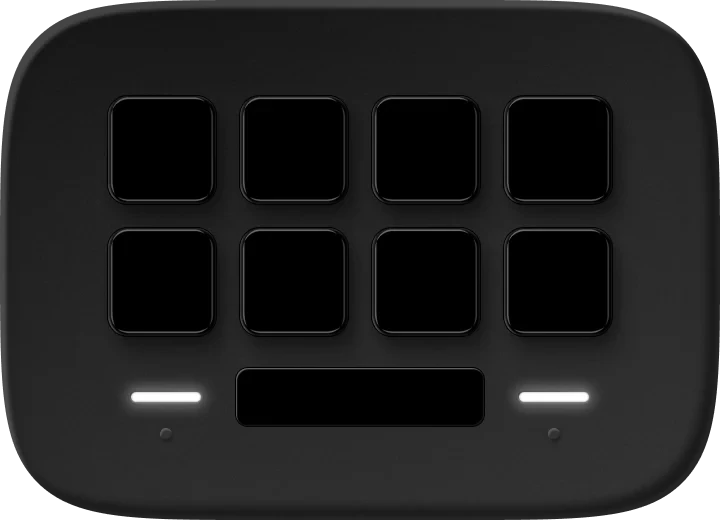
Eight keys, and an Info screen key that rotates through the values you pick.
- Controls
- 8 keys, info screen
- Found on USB
- Yes
- Plan
- Club, free. Pro where it says so.
What SimDeckOS puts on it
Live values and controls on every key
A parameter on a key shows its live value in its own colour, and the key changes it: TC up, brake bias down, the pit limiter on. The same parameter works in every sim and every car.
Info screen key
An Info screen key rotates through the entries you pick, every 0.5 to 30 seconds, each a parameter with an optional title; a tap cycles it. The Neo's own small screen keeps Elgato's content: a plugin can't paint it.
ProStreamLogic fields as entries
Pages, and pages that come by themselves
As many pages as you like. A page trigger brings one forward when the pit limiter, the pit window or a flag calls for it, and takes it away again.
Shift lights and beacons
Shift-light or beacon keys side by side form a strip, lit by each car's own shift set.
ProOverlays on any key, so a key keeps its job and lights too
When no game is running
The deck turns into a standby screen: date, time and profile, and a launcher for each of your sims.
ProYour own idle designs
Cues
A cold start that sweeps the whole rig, and your start and stop.
ProEvery cue in game
Where it sits on your rig
Mounted left, centre or right, so a car's left beacons show on the left. Turned 90°, 180° or 270° for a deck on its side, laid out the way you see it.
What it needs
SimHub and SimDeckOS
Windows, SimHub (free) and the SimDeckOS installer, which adds the plugin and the device companions. A free SimDeckOS account.
Getting startedPut SimDeckOS on a Stream Deck
Elgato's Stream Deck app, with the SimDeckOS companion the installer adds. SimDeckOS puts its profile on the deck for you.
Read it in the docsInfo screen
The Info screen card on the Devices page sets what the Info screen key shows.
Read it in the docs