
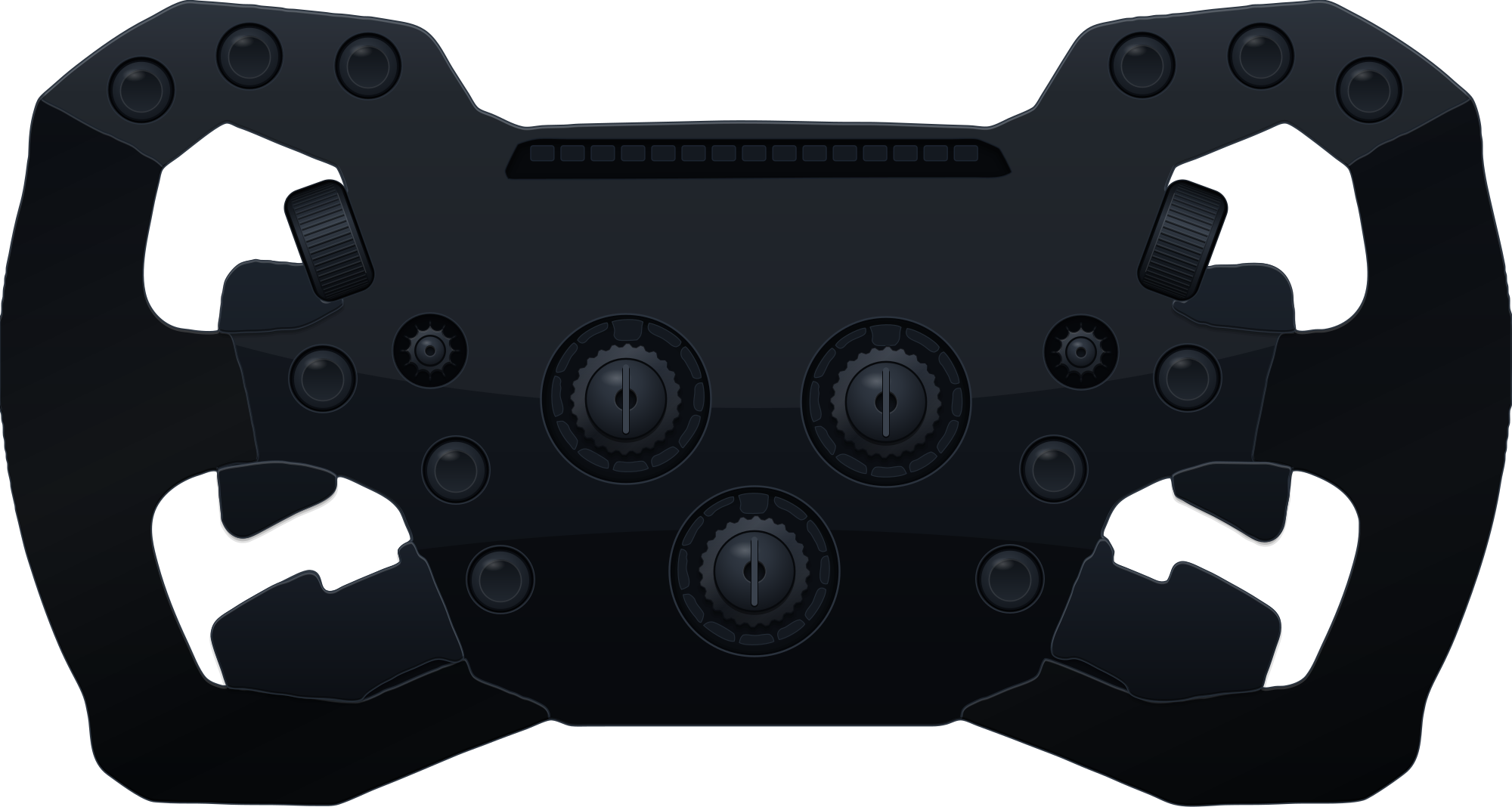
PXN GT One with SimDeckOS
Twelve lit buttons, five encoders and fifteen rev lights, lit over USB as soon as it is plugged in.
- Controls
- 12 lit buttons, 3 position encoders, 2 thumb encoders, shift and clutch paddles, 2 funky switches, 15 RPM LEDs
- Found on USB
- Yes
- Plan
- Club, free. Pro where it says so.
What SimDeckOS puts on it
Lit buttons, encoders and the rev strip
Wheel lights lights the LED buttons, the encoders and the 15-LED rev strip over USB, as soon as the wheel is plugged in. The rev strip follows each car's own shift set.
Every button, encoder and paddle
Mapped once, each control does what its layout gives it: a parameter's up and down on an encoder, the pit limiter on a button, a page turn on a funky switch.
Cues and the idle screen
The cold start sweeps the wheel's lights with the rest of the rig, and the idle design runs across its LED buttons, rings and rev strip when no game is running.
ProYour own idle designs and every cue in game
Idle audio
With no game running, one thumb encoder turns the Windows volume and the other cycles the output device. In a session both do their normal job.
Wheel settings
The brightness of the LED buttons, encoder rings, indicators and rev strip, and the clutch bite point.
Night mode
Auto night mode dims the wheel's lights between the hours you set.
What it needs
SimHub and SimDeckOS
Windows, SimHub (free) and the SimDeckOS installer, which adds the plugin and the device companions. A free SimDeckOS account.
Getting startedPXN GT One lights
Nothing else: it is read directly over USB. If you also run a SimHub RGB LEDs profile for this wheel, turn that off, or the two will flicker.
Read it in the docsMap a wheel
Map its inputs once, with no game on track.
Read it in the docs