
MOZA KS Pro with SimDeckOS
Lit buttons, encoder rings, the rev and side LEDs, and the MOZA wheel's screen, over the wheelbase.
- Controls
- 10 lit buttons, 5 lit position knobs, 4 rollers, shift and clutch paddles, 2 funky switches, 2 rear buttons, RPM and side LEDs, display
- Found on USB
- Through its wheelbase
- Plan
- Club, free. Pro where it says so.
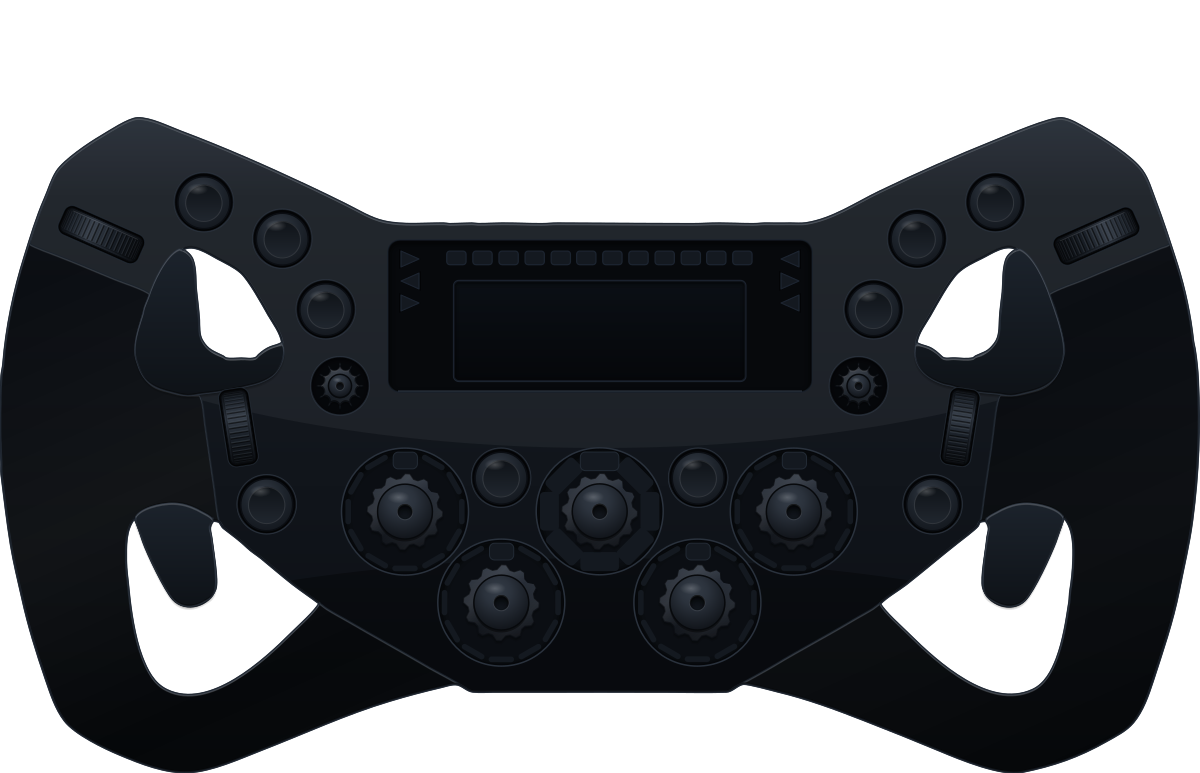
The wheel's screen, its lights and its encoder rings work on every plan.
What SimDeckOS puts on it
Wheel lighting
The LED buttons, the rev strip and the side LEDs, the strip following each car's own shift set.
Encoder rings
The rings round the five position knobs show their position, or fill up to the value.
The MOZA wheel's screen
SimDeckOS ships its own dash file for the KS Pro and streams the same parameters your keys show, so a TC change on the deck reads the same on the wheel. Live values in a session, the idle screen when there is none.
Every button, encoder and paddle
Mapped once, each control does what its layout gives it: a parameter's up and down on an encoder, the pit limiter on a button, a page turn on a funky switch.
Cues and the idle screen
The cold start sweeps the wheel's lights with the rest of the rig, and the idle design runs across its LED buttons, rings and rev strip when no game is running.
ProYour own idle designs and every cue in game
Wheel settings
Brightness for the rev strip, LED buttons, encoder rings and screen, the sleep light, and the clutch bite point, stored in the wheelbase so every game feels it.
Night mode
Auto night mode dims the wheel's lights between the hours you set.
What it needs
SimHub and SimDeckOS
Windows, SimHub (free) and the SimDeckOS installer, which adds the plugin and the device companions. A free SimDeckOS account.
Getting startedMOZA wheel link
MOZA Pit House closed while SimDeckOS holds the wheelbase port: only one app can. Import the SimDeckOS dash in Pit House once, for the screen. Then turn on Wheel link.
Read it in the docsMap a wheel
Map its inputs once, with no game on track.
Read it in the docs